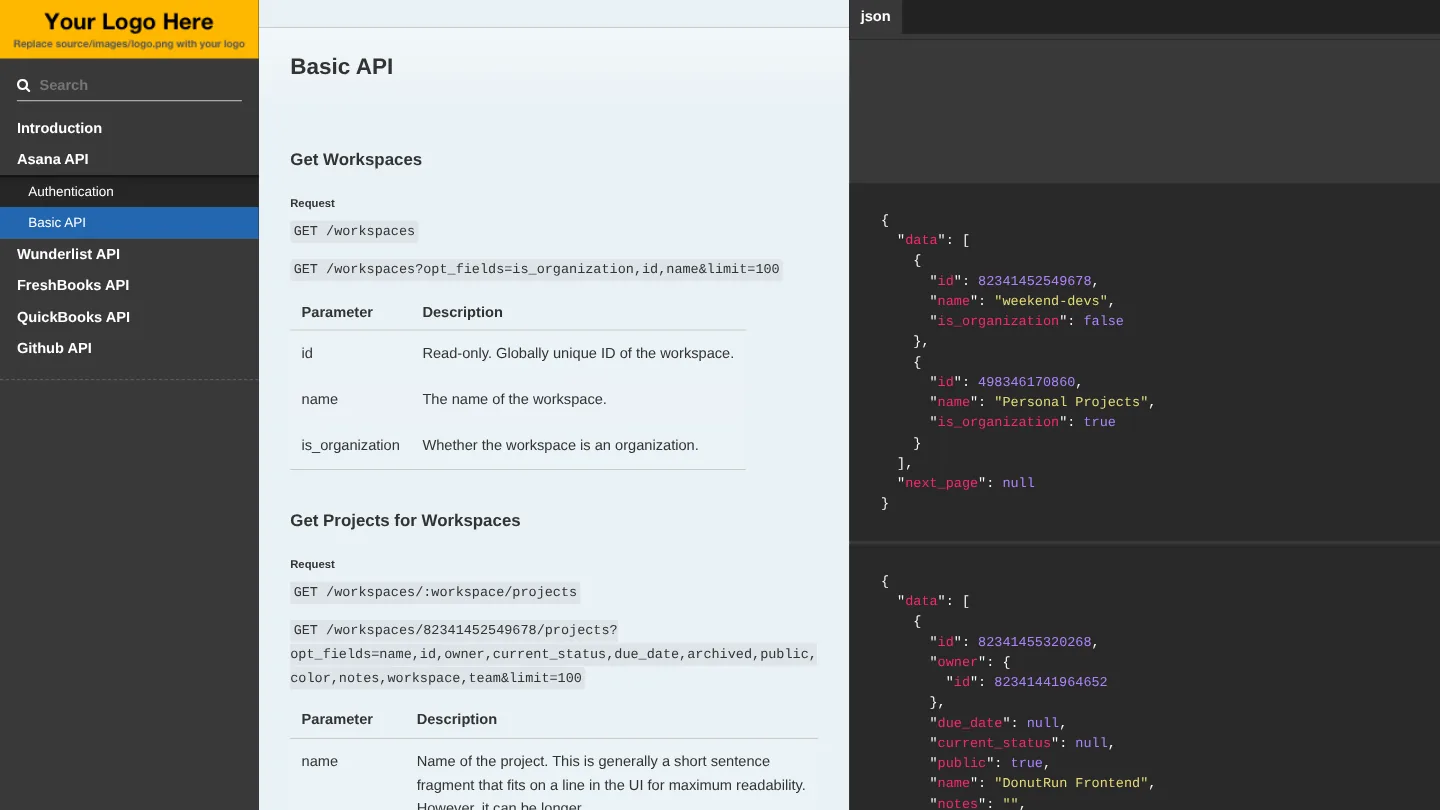
api-research is a one-page reference covering five APIs. Its introduction calls it “API integration suggestions for Weekly Roundup”: the information in each service’s own documentation, “consolidated down to endpoints that could be useful to Weekly Roundup.” For each service it covers how to authenticate and the few calls that matter, with example requests and responses.
Everything was committed on April 7, 2016, and the generated site on the gh-pages branch still serves at nearbycoder.github.io/api-research.
The tool and the content
The site is built with Whiteboard, Marcel Pociot’s Node.js take on the Slate API documentation tool, which runs on the Hexo static site generator. The repository is a copy of Whiteboard as it was then, not a GitHub fork, so the README, the theme with its three-column layout and search, the scripts and the Apache license are all Whiteboard’s. So is the “Your Logo Here” placeholder in the sidebar, which was never replaced.
The original part is the content: the site title, Weekly Roundup API; source/index.md, which pulls in one file per service; and the five Markdown files in source/includes, about 1,100 lines in all. He also added a .gitlab-ci.yml with a pages job that runs npm install and npm run-script generate.

What the notes cover
- Asana: OAuth, with a note that it would work much like an existing Harvest integration and that tokens need an expiry check before each call. Then workspaces, a workspace’s projects and a project’s tasks, using
opt_fieldsto ask for just the fields needed. - Wunderlist: OAuth, then lists, the tasks in a list, and their subtasks.
- FreshBooks: two side notes up top, “The API docs at FreshBooks is super sparse” and “xml api only!” Authentication is OAuth 1.0a through three endpoints, and the access token doesn’t seem to expire. Then clients, a client’s projects and a project’s time entries, with the XML requests and responses converted to JSON for the examples.
- QuickBooks: OAuth 1.0 through Intuit, where the
realmIdreturned to the callback is the company ID to query, and tokens expire after 180 days, so they need an auto-renew strategy. For time tracking one endpoint is enough: a SQL-style query onTimeActivity. - GitHub: the OAuth web flow, then the user’s organizations, an organization’s repositories and issues, and a repository’s issues.
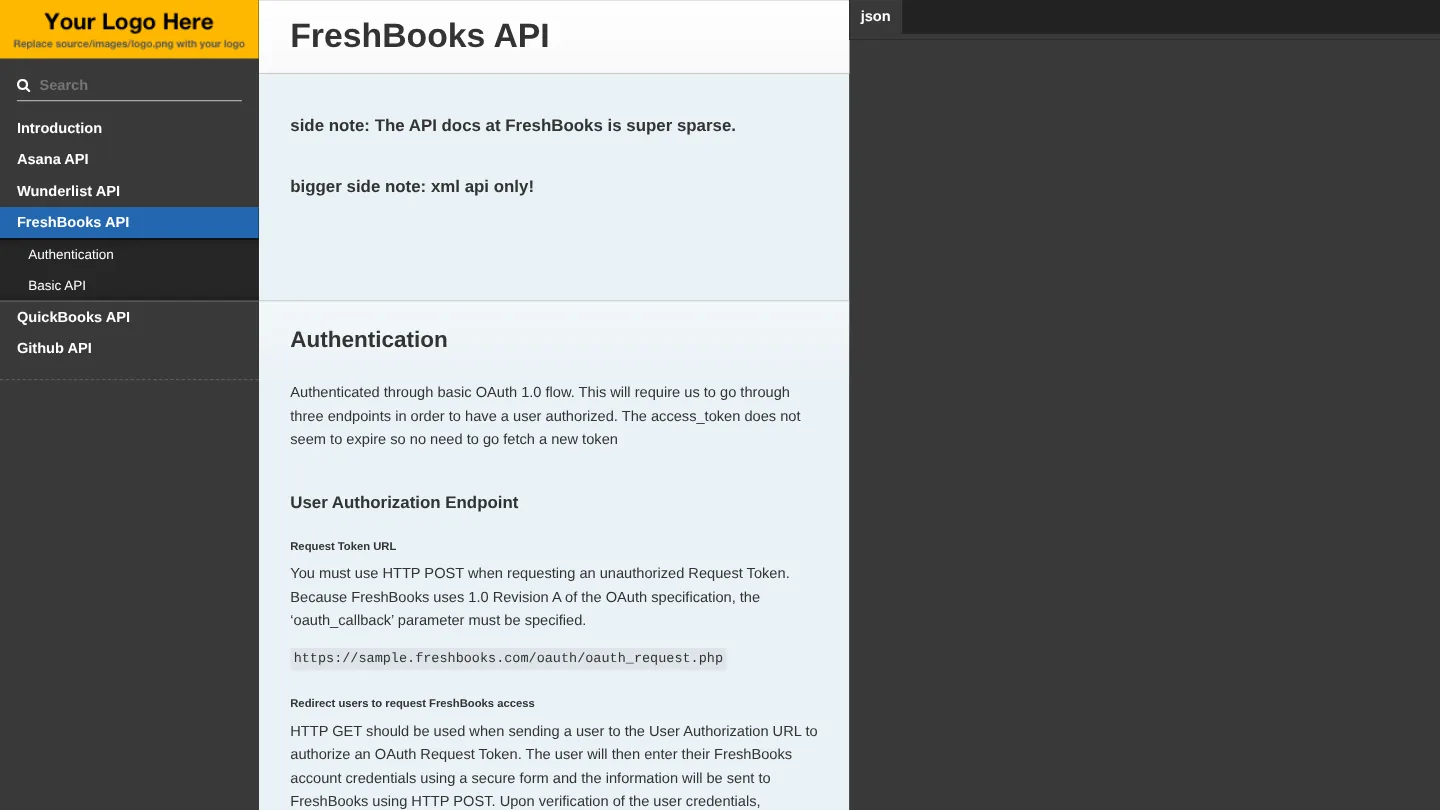
The creation date shown here is the GitHub repository’s UTC creation date. The screenshots come from the live site on GitHub Pages, and the code card shows a real source file from the repository.