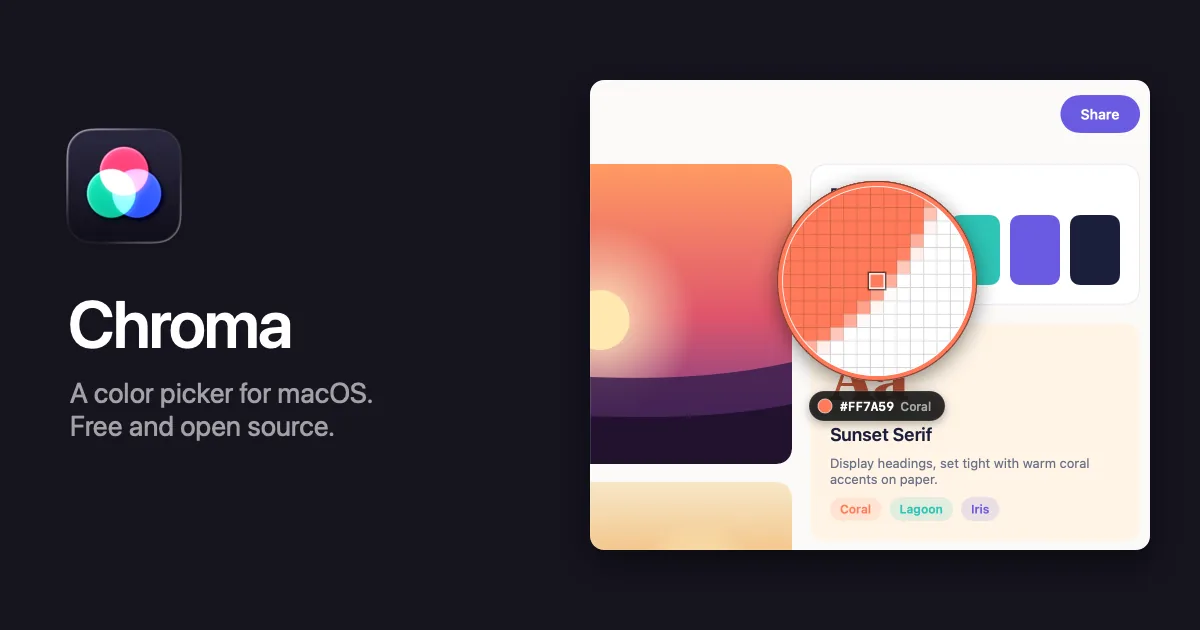
Chroma is a color picker that lives in the Mac’s menu bar. Press ⌃⌥⌘P, click any pixel on screen, and the color is on the clipboard as hex, CSS, SwiftUI, Tailwind, Jetpack Compose or one of 30 other formats. It also keeps a history and palettes, checks contrast, and previews colors for color blindness.
It’s free and open source under the MIT license, and it was inspired by Sip; its default shortcuts are Sip’s, so muscle memory carries over. It needs macOS 26 Tahoe or later, runs on Apple silicon and Intel, and releases are signed with a Developer ID and notarized by Apple. Chroma has no network access, analytics or account. When you start picking, it takes one still image of each display, and it discards them when you finish.
Features
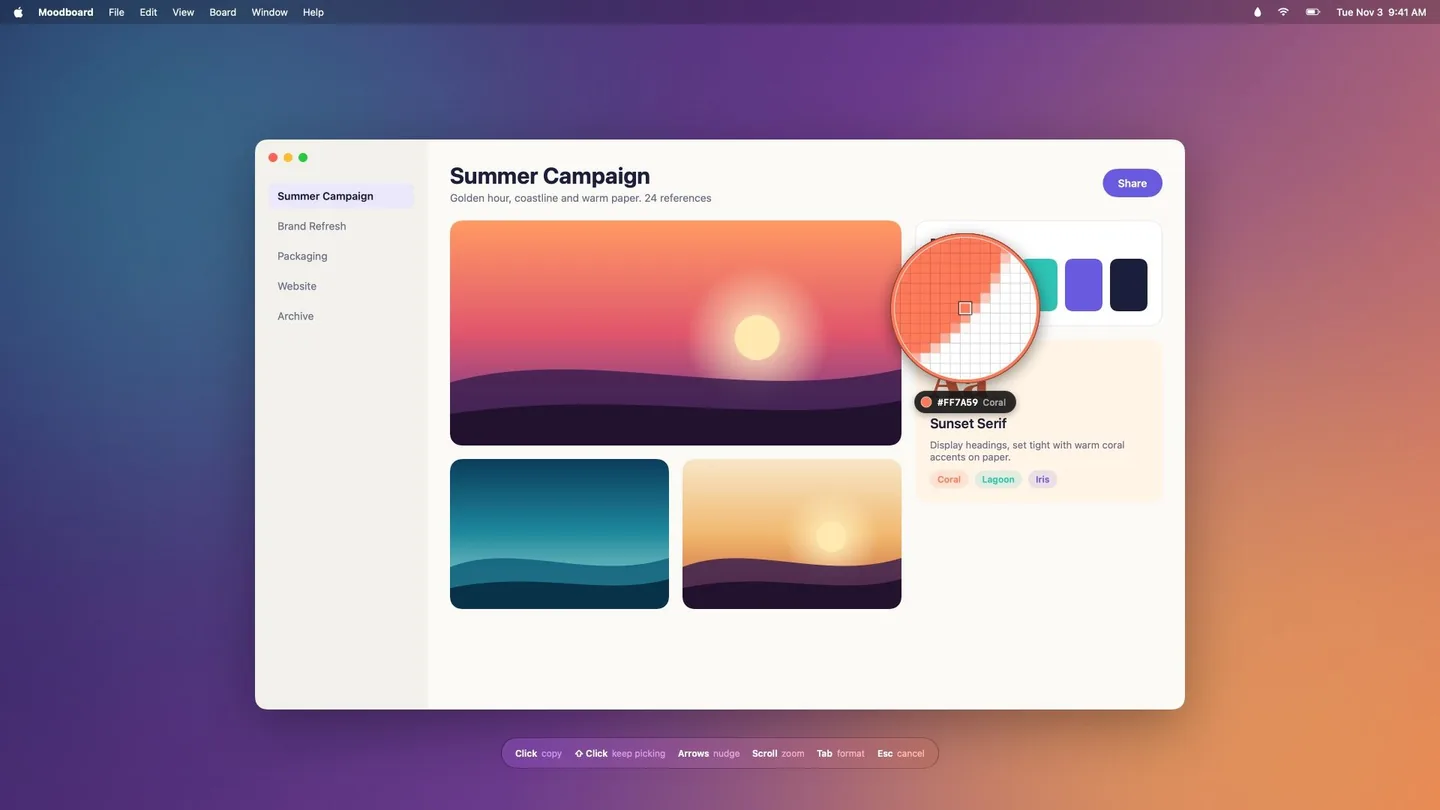
- A loupe that’s exact. The screen freezes and a magnifier follows the pointer, with the value and the color’s name below it. Arrow keys move one pixel, scrolling zooms, and you can average a 3×3 or 5×5 square. ⇧-click picks several colors in a row, and they go on the clipboard one per line.
- 35 formats, plus your own. Hex, CSS
rgb(),hsl(),oklch()andcolor(display-p3), the nearest Tailwind swatch, SwiftUI, UIColor, NSColor, CGColor, Jetpack Compose, Flutter, Android XML, React Native, .NET, Unity, OpenGL, CMYK and more. Custom formats use tokens like{r},{hex}and{name}. - Smart formats. Picks made in Xcode copy SwiftUI and picks in Android Studio copy Compose, and you can add a rule for any app. Tab cycles formats while picking.
- History and palettes. Every pick is saved. Palettes can be named, annotated, sorted by hue, lightness or name, merged, duplicated and locked. Select several colors to copy them together or turn them into a palette, and undo any change with ⌘Z.
- Color Dock. Your palettes in a glass strip at any screen edge. Click a color to copy it, or drag it into another app.
- Contrast checker. WCAG 2 ratios for normal text, large text and UI, plus APCA (Lc). Fix buttons find the nearest passing text or background color while keeping the hue.
- Color blindness preview for protanopia, deuteranopia, tritanopia and achromatopsia, for whole palettes and in the contrast checker.
- Editor, harmonies and scales. Edit in RGB, HSB, HSL or OKLCH, get complementary, analogous, triadic, split complementary and tetradic colors, and turn any color into a 50 to 950 scale.
- Import and export. Chroma reads Adobe Swatch Exchange, Apple Color Lists, GIMP and Sketch palettes, JSON, and any text with color codes in it. It writes those plus CSS variables, SCSS, a Tailwind v4
@theme, a SwiftUI extension, Androidcolors.xmland a PNG swatch sheet. - Sync through a folder. The library is one readable
Library.json. Put it in iCloud Drive or Dropbox, and Chroma reloads it when another Mac changes it. - Automation. Shortcuts actions (Pick Color, Get Last Picked Color, Convert Color and Add Color to Palette) and a URL scheme, with links like
chroma://pickorchroma://contrast?text=%23333&background=%23fff.


The screenshots above come from the repository. Debug builds include a harness that opens each window with a demo library and its own settings, and a script captures them in light and dark. They follow this site’s theme.
The loupe in a browser
The website has a JavaScript version of the loupe that works on a sample picture. Scroll to zoom, nudge with the arrow keys, and click to copy. Each pick lands in a history, with its contrast on white and black and its value in each format. The site also has a live table where you type a color in any notation and see it in every format, using the same templates as the app.

How it’s built
Chroma is about 6,800 lines of Swift in SwiftUI and AppKit. The picker captures each display with ScreenCaptureKit, the global shortcuts go through Carbon’s hot key API, and the Shortcuts actions are App Intents. The Color Dock, the picker’s hint bar and the copy toast use Liquid Glass. Color names come from Name That Color by Chirag Mehta (CC BY 2.5), the Tailwind swatches are Tailwind CSS v4’s default palette, and the color blindness simulation uses the matrices from Machado, Oliveira and Fernandes (2009). Nineteen unit tests cover the color math, the contrast fixer, every built-in format, and reading and writing the palette file formats.
The Xcode project is generated with XcodeGen, and the icon is made with Icon Composer. A release script runs the tests, archives the app, signs it with a Developer ID, notarizes and staples it, and builds the DMG with dmgbuild; ./Scripts/release.sh publish also tags the version and creates the GitHub release. Another script regenerates every image on the website through the debug harness, including the mock desktop behind the picker and the social card. The website is a single HTML page on GitHub Pages.
PixelMark, a screen ruler whose repository was created the same day, is built the same way, down to an identical release script.
Try it
Download Chroma.dmg and drag Chroma to Applications. It needs macOS 26 Tahoe or later, and it asks for Screen Recording permission because it has to read the pixels on screen. To build it, install XcodeGen with brew install xcodegen, run xcodegen generate, and open Chroma.xcodeproj in Xcode 26 or later. The website has the browser demo, the format table and an FAQ, and the README lists every shortcut.
The creation date shown here is the GitHub repository’s UTC creation date. The banner and app screenshots on this page come from the project’s repository and website, and the browser demo was captured from the live website.