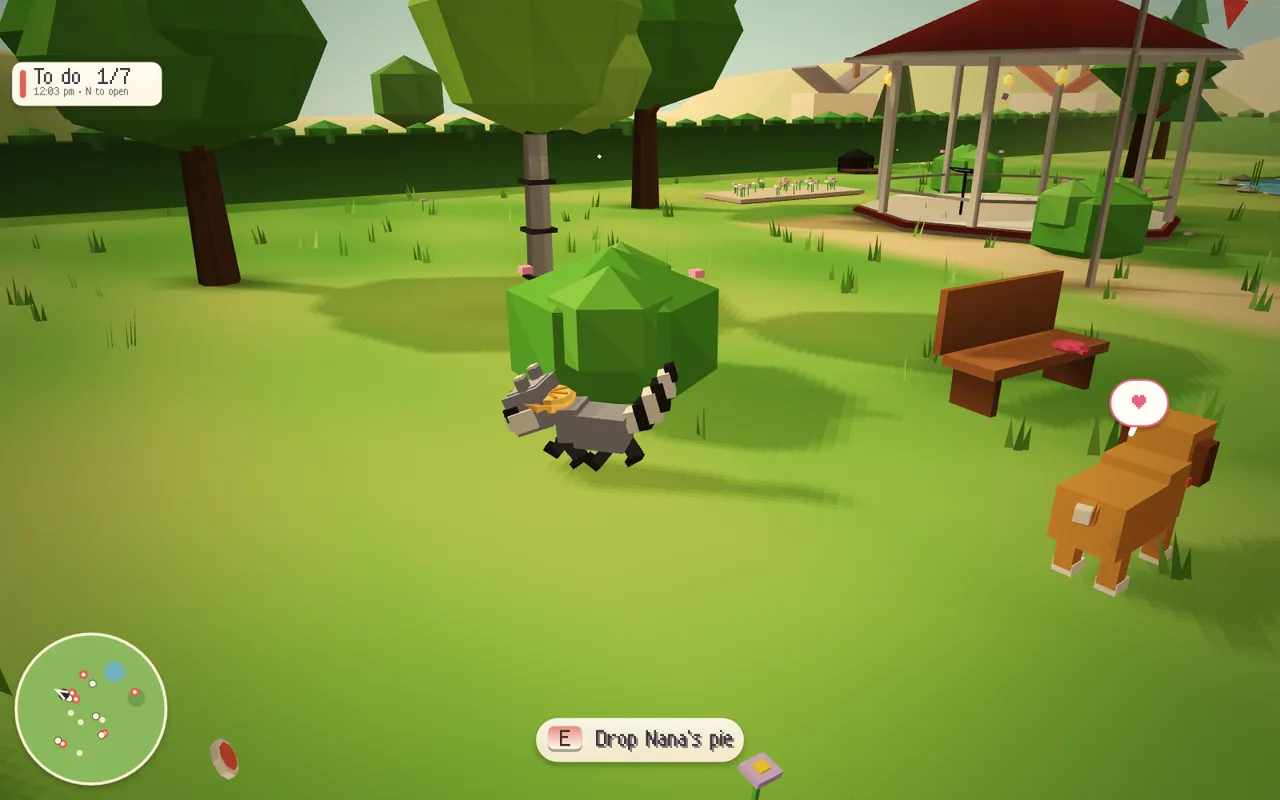
Ferravex is a game engine for small 2D and 3D games, written in Rust from scratch. Math, ECS, physics, rendering, gameplay, input, audio, assets, replay and netcode all live in one repository, built on Rust’s standard library alone. There are no third-party crates. Browser and operating-system APIs are the only platform boundary.
The point of it is in the tagline: make something worth playing. Thirty-nine games and labs built on the engine run in the browser with nothing to install, and each one’s source is a click away. It’s open source under the MIT license, and the engine, the games and their authored assets are all first-party.
The games
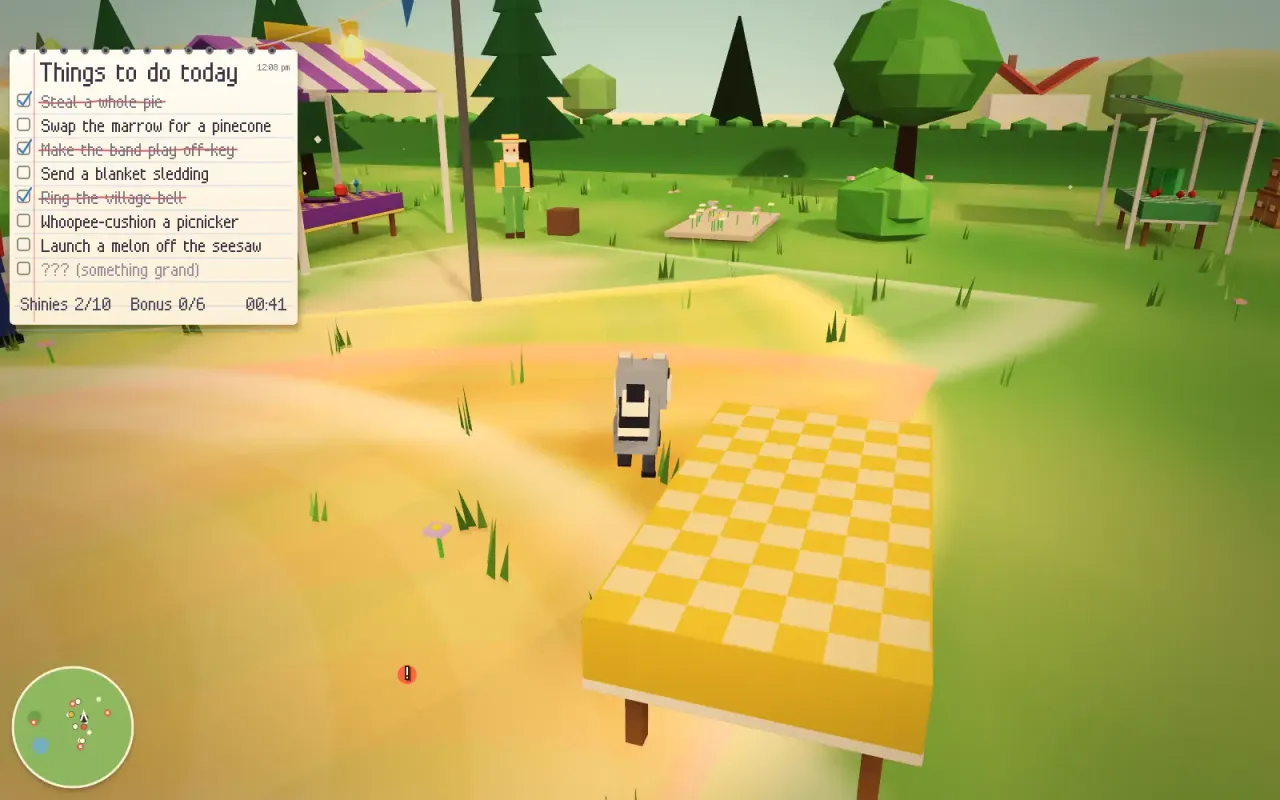
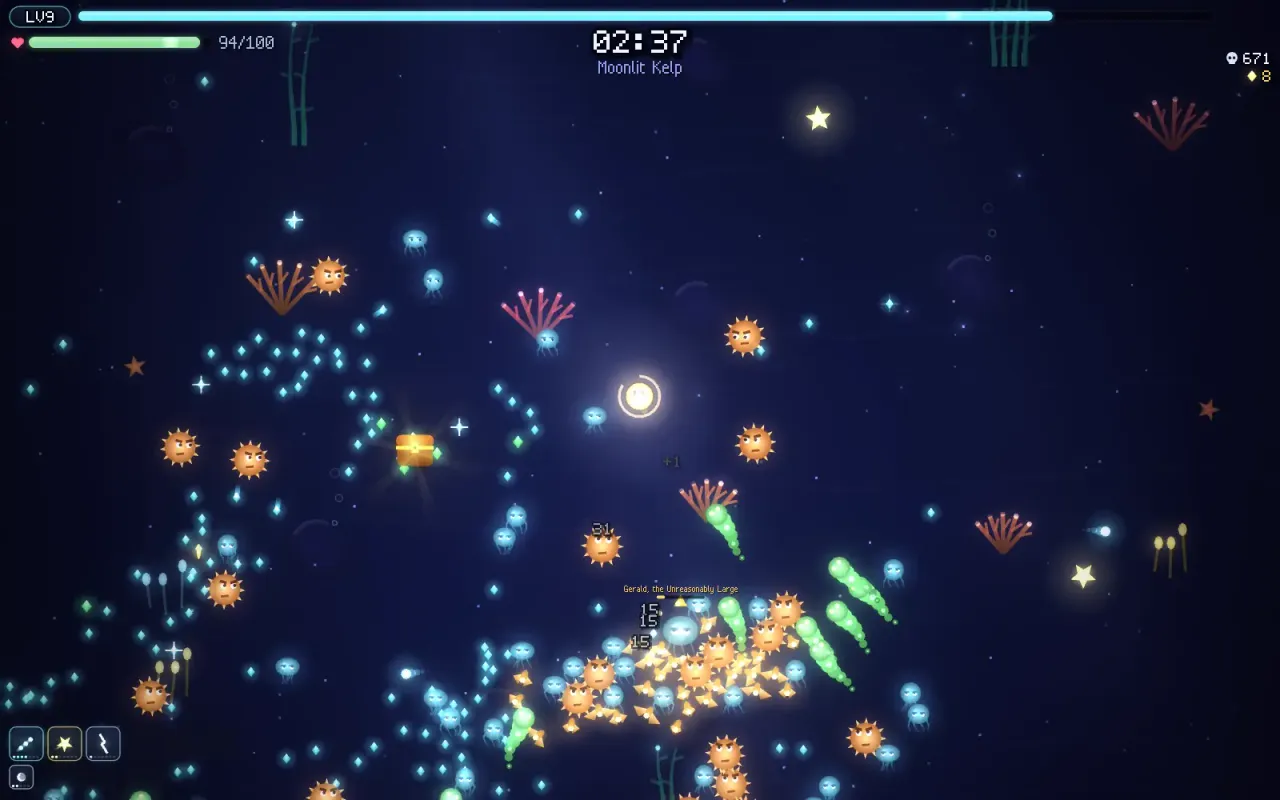
The homepage leads with two showcases. Picnic Panic is 3D: a small, very determined raccoon works through a hand-written to-do list of pranks at a village picnic, from stealing Nana’s pie to launching a melon off the seesaw, while picnickers with readable vision cones give chase. Glowtide is 2D: a bioluminescent roguelite where a lantern spirit’s weapons fire automatically while you steer, dash and choose a build, with eight weapon evolutions, four playable spirits and a tide of five or ten minutes to survive.
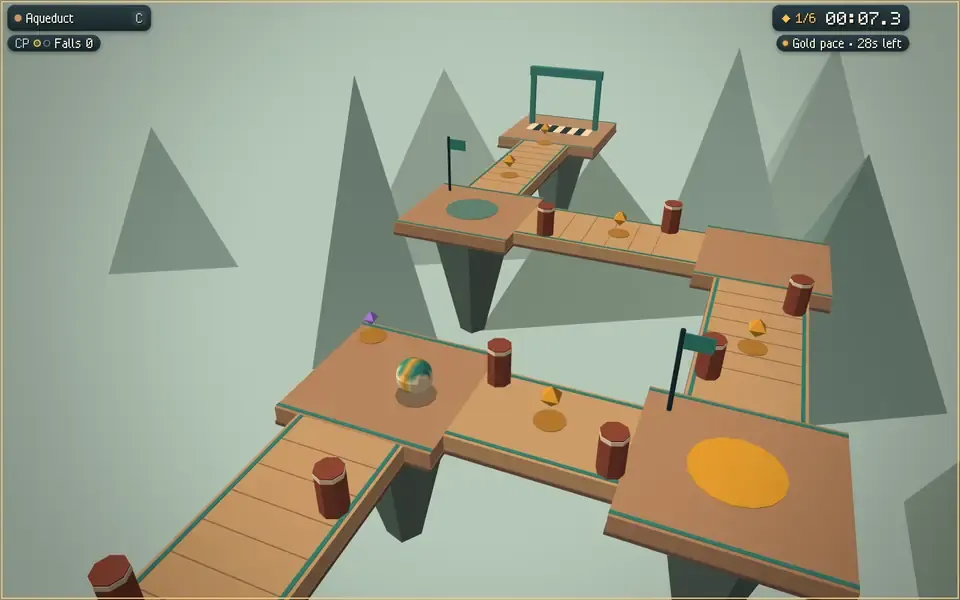
The rest of the catalog covers a lot of ground: a precision platformer, a top-down rally game with ghost splits, pinball with a magnet-crane jackpot, tower defense, a brick breaker, marble courses, hover racing, a first-person crystal hunt, cannon demolition, flight deliveries, mini golf in 2D and 3D, FPS drills and physics labs. The Twenty adds twenty complete campaigns on top, including dungeon exploration, railway dispatch, sailing trade, farming, detective cases, a rhythm game, squad tactics, deck building, stealth and kingdom decisions. Each has its own rules, content, procedural art, guide, ending and retry flow, and each was built by its own implementation agent against a shared host contract.
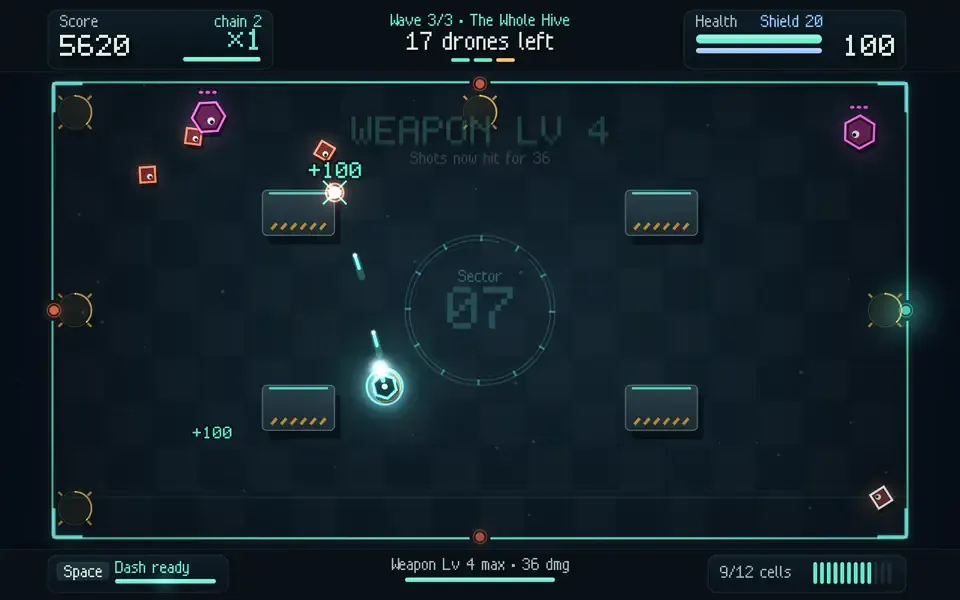
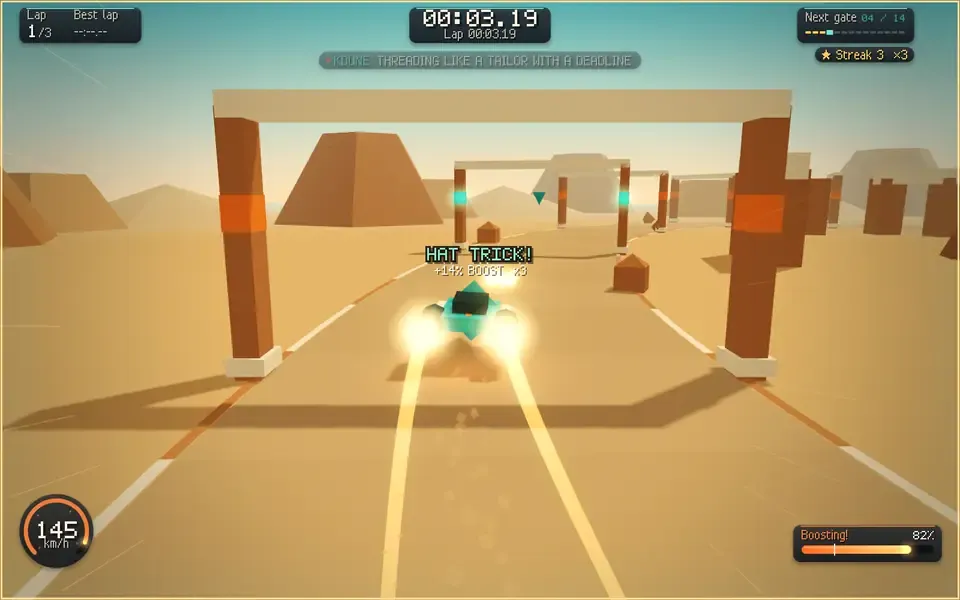
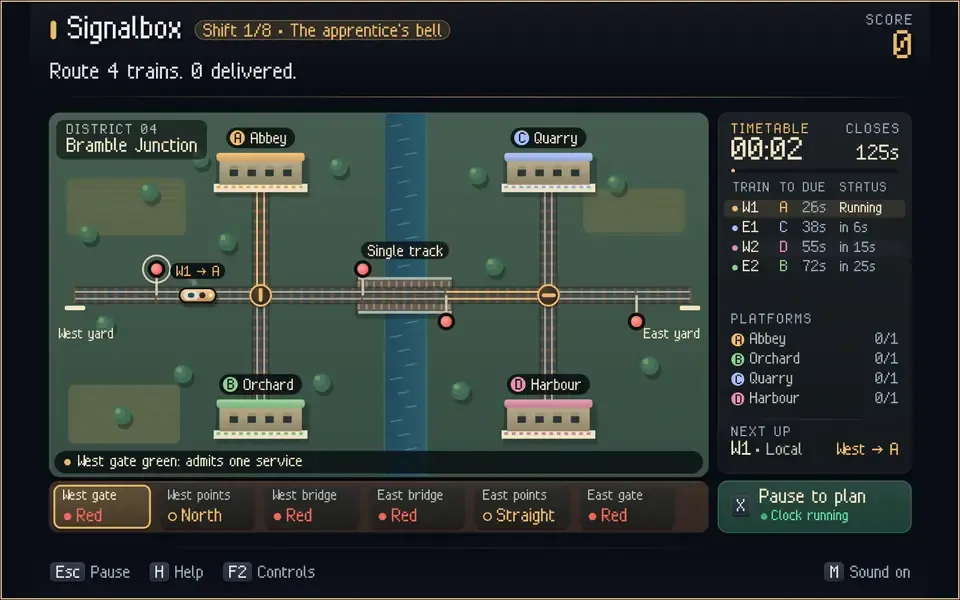
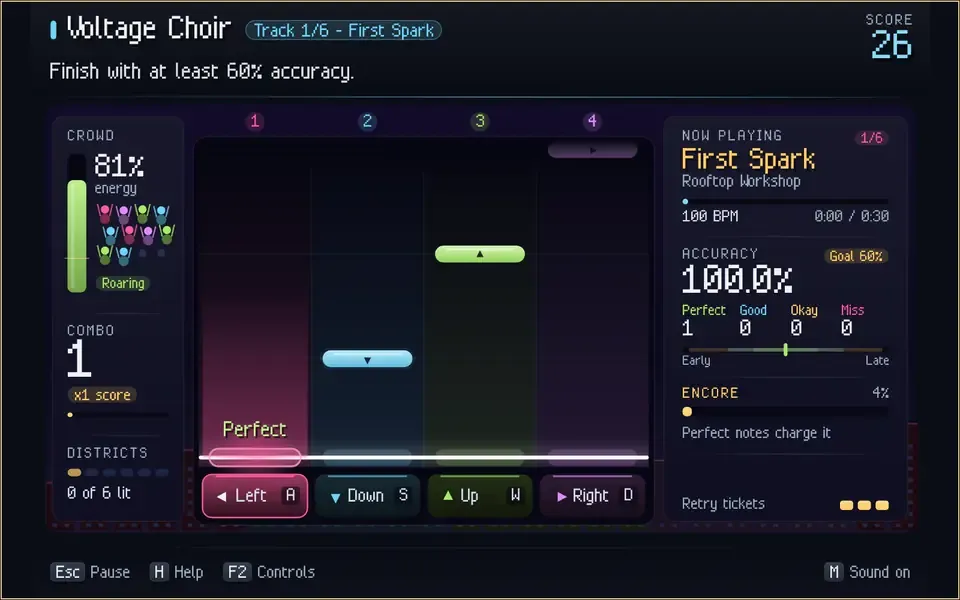
Every game shares the same player guide for controls, settings, accessibility options and troubleshooting. Controls can be remapped with F2, and reduced motion and reduced flash limit presentation effects. Menus work with a keyboard, mouse, touch or a controller.
What’s in the engine
The workspace is split into crates with one job each:
| Crate | Responsibility |
|---|---|
| ferravex-math | Vectors, matrices, quaternions, colors and bounds |
| ferravex-ecs | Generational entities and typed component stores |
| ferravex-core | Fixed clock, frame statistics, collision and entity helpers |
| ferravex-dynamics | 2D and 3D translational contacts, queries, CCD and character helpers |
| ferravex-physics | Rotational rigid bodies, joints, sensors and sweeps |
| ferravex-graphics | Mesh generation, clipping, software rasterization and PNG export |
| ferravex-render | Immediate drawing, procedural meshes, lighting, input and native and browser hosts |
| ferravex-play | Scenes, camera rigs, animation, navigation, steering, particles and UI data |
| ferravex-net | Packet, delta, clock and reliable protocols, native UDP and a WebSocket gateway |
| ferravex-fps | Authoritative shooter simulation, prediction, interpolation and rewind |
| ferravex | The public facade: one dependency for timing, math, input, rendering, audio and replay |
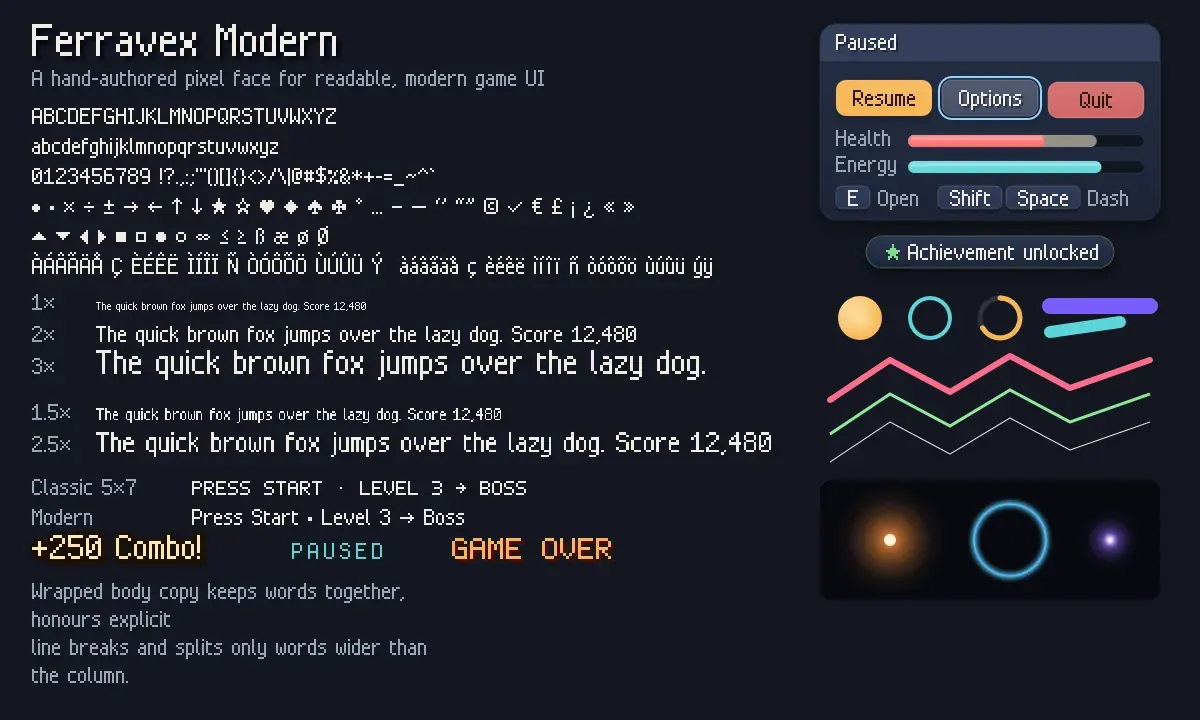
The shared renderer binds WebGL2 directly in the browser and OpenGL on native hosts. It can bloom emissive geometry, tone-map and grade the scene, then composite a crisp HUD, and each game picks its own look. A UI kit adds a hand-authored pixel font, anti-aliased shapes, cards, meters and buttons, with easing, springs and screen transitions in shared motion APIs.
For networking, a native server runs a 64 Hz authoritative simulation for up to sixteen players, with client prediction, reconciliation, interpolation of remote players, and server-side rewind for shots. Strike’s browser client runs the same Rust session through a first-party WebSocket gateway, and Courtyard has a separate two-peer WebRTC adapter with manual offer and answer pairing. These are for development and LAN play: there are no accounts, relays or Internet services.
Make your own game
Three commands take you from a checkout to a playable starter game:
python3 -B scripts/ferravex.py new moon-garden   # add --template 3d for 3D
cd ../moon-garden
cargo run
Rules live in src/game.rs, drawn with the UI kit and a subtle post-processing look, and a build script serves the same game in the browser. To use the engine in an existing project, add the ferravex facade as a path dependency and start with use ferravex::prelude::*;. The getting-started guide, the docs and the Rust API reference cover the rest, along with gameplay recipes for rewards, weapons, encounters, platforms and trials.
Platforms and limits
The repository is careful about what has actually been verified, and its platform notes separate source from tested behavior:
- Web: WebAssembly with WebGL2, keyboard, pointer, touch and gamepad input, and AudioWorklet audio. This is how the public games run.
- Linux: X11 and GLX with OpenGL 3.3 or newer, and ALSA audio. Native builds and gameplay smoke runs are checked.
- Windows and macOS: Win32/WGL and AppKit/NSOpenGL hosts that compile, link and pass tests in CI, but interactive windows, hardware input and audio haven’t been verified on devices.
- iOS: a UIKit and OpenGL ES 3 host that compiles for device and simulator in CI. App launch and device play are unverified.
Internet multiplayer services and a Metal backend are future work. Building locally needs Rust 1.88 or newer and Python 3.11 or newer.
How it’s built
A dependency audit resolves the whole Cargo graph, every feature and every platform, and fails on any package that isn’t part of the workspace. Native hosts bind X11, Win32, AppKit and UIKit through Rust FFI. Build scripts use only the Python standard library, and browser hosts load no external runtime libraries, fonts, art or CDN scripts. The homepage puts the median game download at 193 KB gzipped. The one exception is the documentation site’s ⌘K search, which uses Qikbar, self-hosted and pinned, and not linked into any game.
The public site, the games and the API docs are built from the same source by a Dockerfile, and served by a small Python standard-library host. The gameplay loops on the site were recorded from the games with Chrome and FFmpeg.
Try it
Play the games at ferravex.com, or clone the repository to build the browser catalog and native games yourself. The README walks through the doctor check, the Wasm build and the local server, and the release scope separates what’s shipped from what’s deferred. The website is published separately from the repository, so it may trail the latest source by a revision or two.
The creation date shown here is the GitHub repository’s UTC creation date. The images and gameplay loops on this page come from ferravex.com.