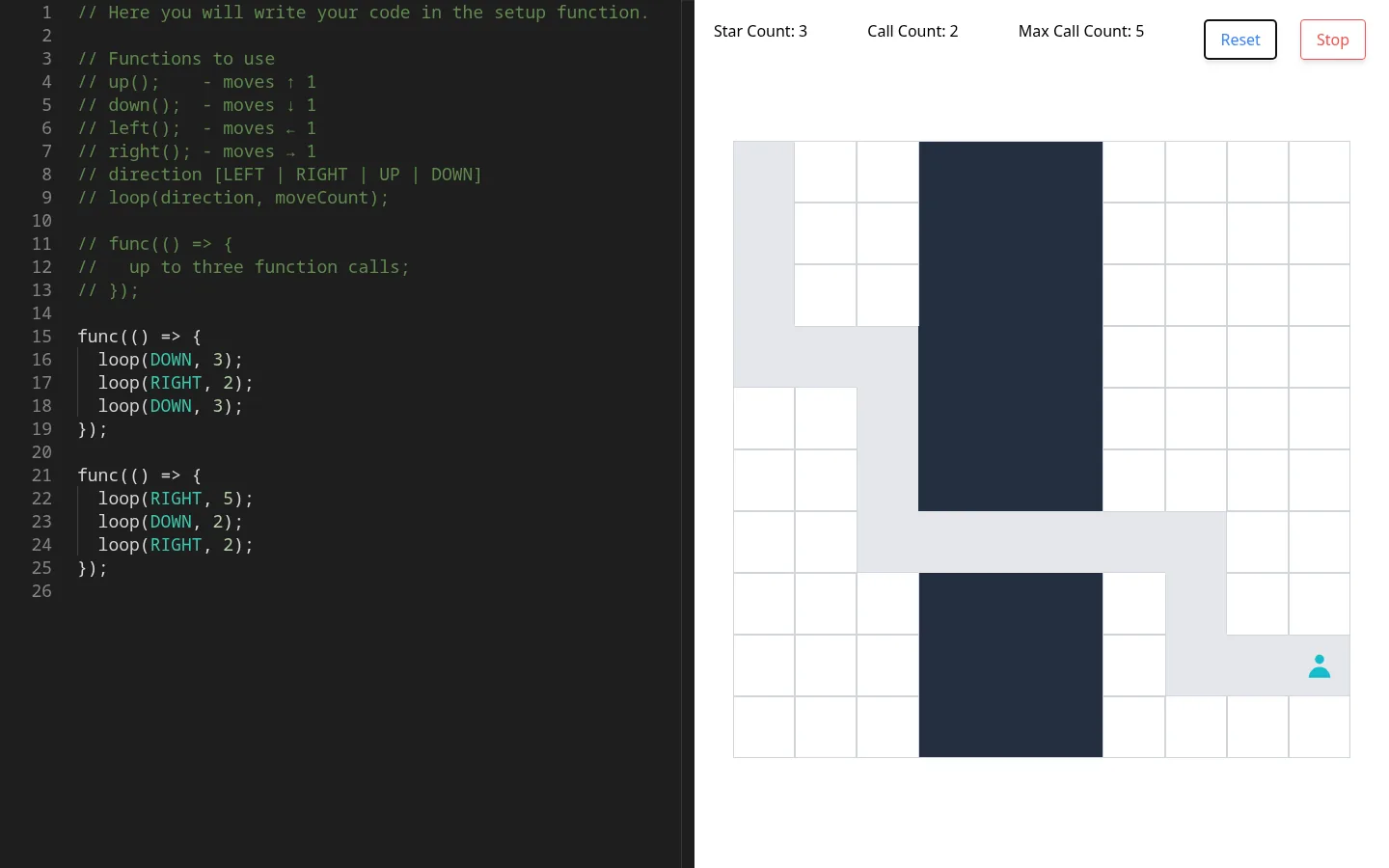
koder is a small programming puzzle in the browser. The left half of the screen is a code editor, and the right half is a 10 by 10 grid with a player in the top-left corner, two walls, three stars and a blue square near the bottom-right corner. You write a program with up(), down(), left(), right(), loop(direction, count) and func(() => { ... }), press Run, and the player walks it out one square every 100 milliseconds, picking up stars on the way.
All eight commits are from November 14 and 15, 2020, starting from a fresh Create React App project, and it hasn’t changed since. The package was called smeeborg-teen-edition until a commit named “update name” renamed it koder.
How it plays
- The editor opens with a comment listing the functions and a sample program: two
funcblocks ofloopcalls that walk to the blue square and collect all three stars. loop(DOWN, 3)moves several squares in one call.funcgroups up to three calls, and more than that stops the run with “Only 3 function calls in function allowed”.- The header counts stars and calls, with a maximum of five calls. Going over shows “Max Calls Created” and “You Lose, Please Try Again”.
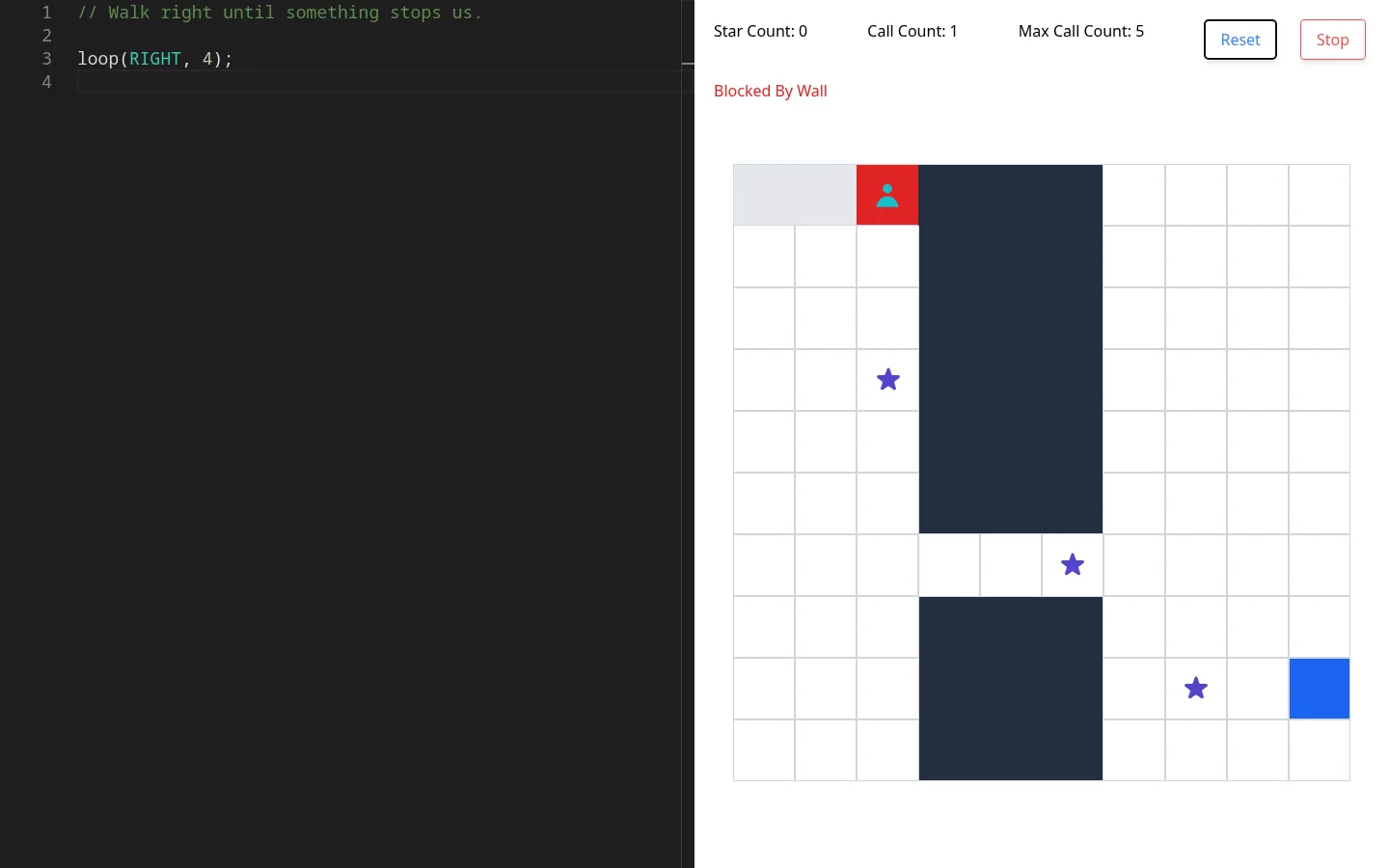
- Walking into a wall or off the board stops the run with “Blocked By Wall” or “Invalid Move” and turns the player’s square red. Code that throws shows “Compiler Error, Please Try Again!”.
- Reset puts the board back, Stop cancels the remaining moves, and Ctrl+S or Cmd+S formats the program with Prettier.
Only one board is built in, and nothing checks for the blue square, so a run simply ends when the moves run out.
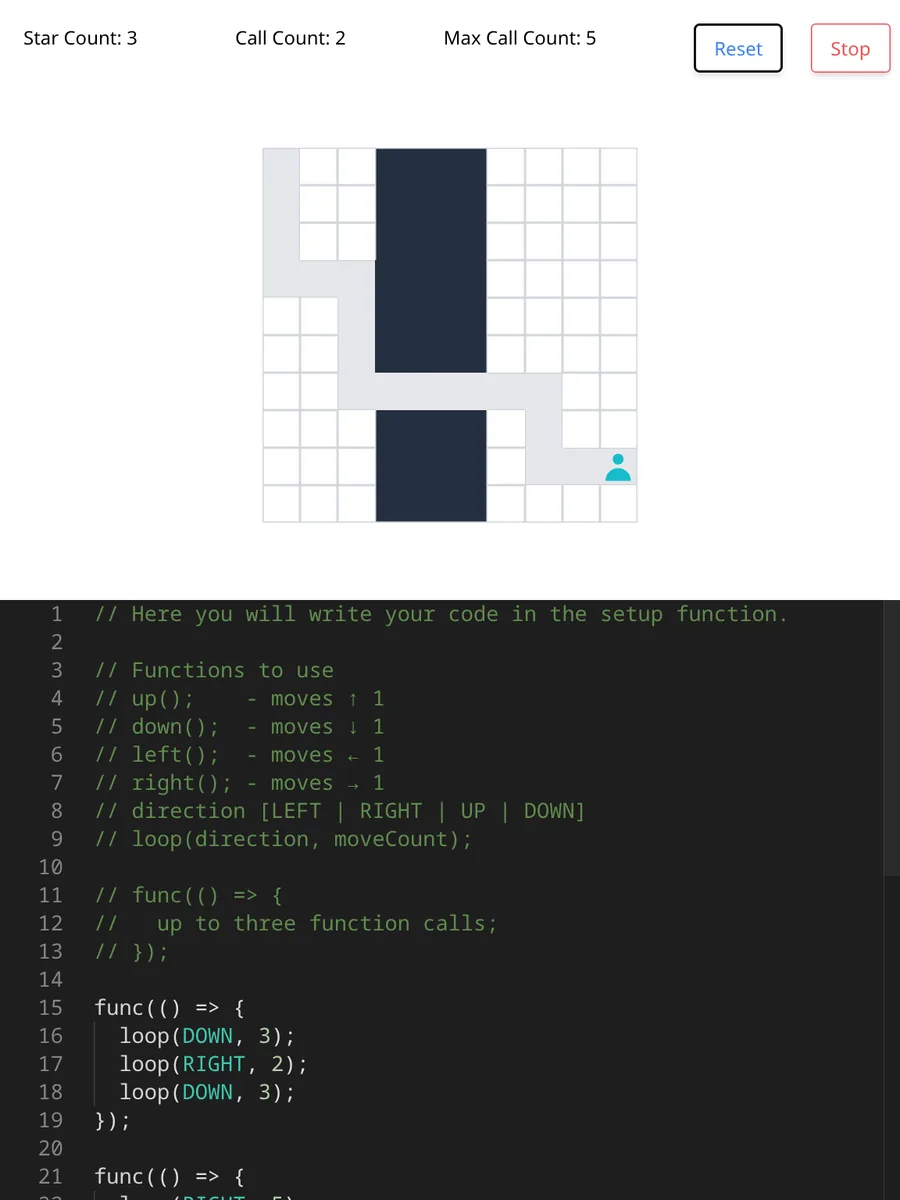
The narrow layout came from the last commit, “mobile friendly”. Each half takes half the screen’s height, so on a phone the board is taller than its half and spills over the editor.
How it’s built
It’s a Create React App 4 project with React 17. react-app-rewired adds the Monaco webpack plugin, so the editor is Monaco, through react-monaco-editor, with JavaScript as its only language and the dark theme. Styling is Tailwind CSS 1.9 with the Tailwind UI plugin, compiled by an npm script before start and build, and Prettier 1.13 loads from unpkg for formatting.
The whole game lives in src/App.js. Run hands the program to eval inside a function that defines the movement functions, so the program can call them directly. Each move schedules a setTimeout 100 milliseconds after the last one, which is what animates the walk, and Stop clears the moves that haven’t happened yet.

Running it today
npm install and npm start still work with Node 14. npm start compiles the Tailwind CSS first and serves the app on port 8080.
The creation date shown here is the GitHub repository’s UTC creation date. The screenshots were captured by running the project locally from its source, and the code card shows a real excerpt of src/App.js.