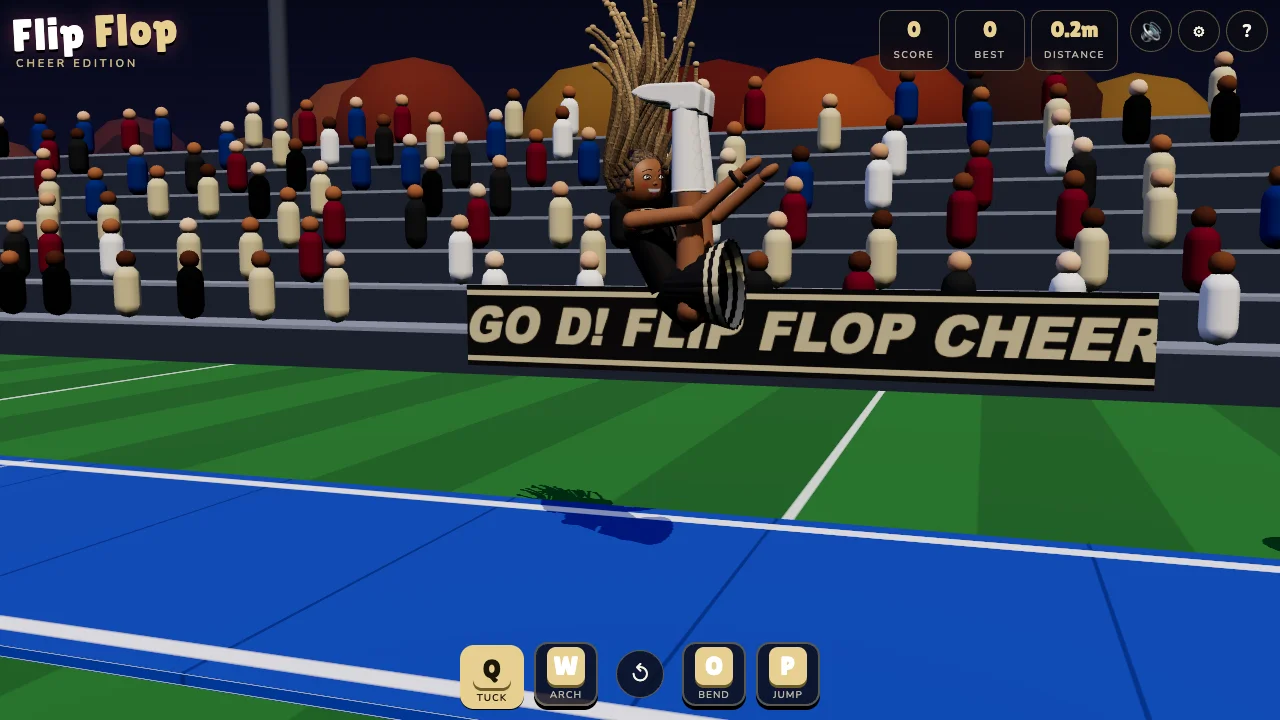
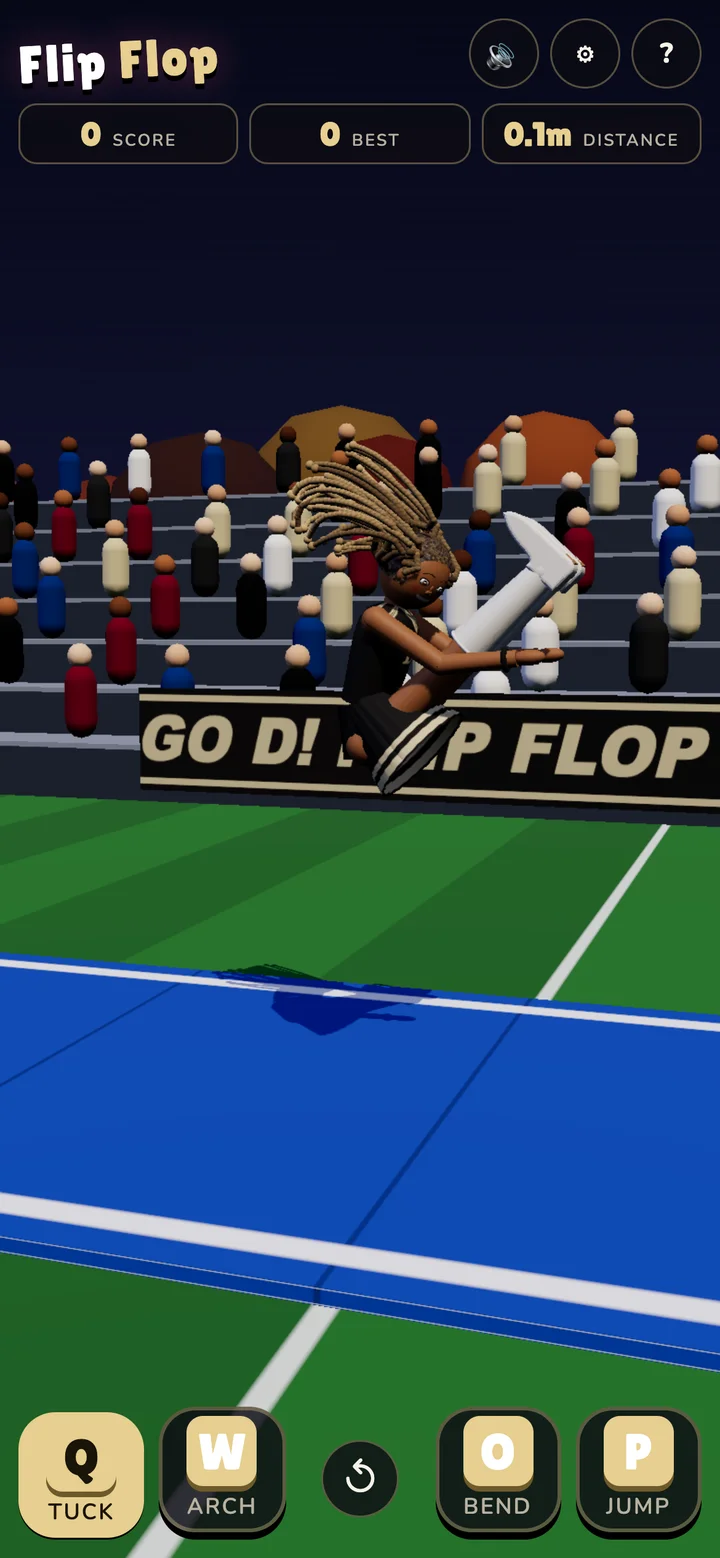
Flip Flop Cheer turns cheer tumbling into a game of timing. Instead of pressing a button that plays a finished animation, you control a ragdoll’s tuck, arch, bend, and jump. Coordinate those movements and a back handspring can become a back tuck. Miss the landing and the run ends with FLOP!
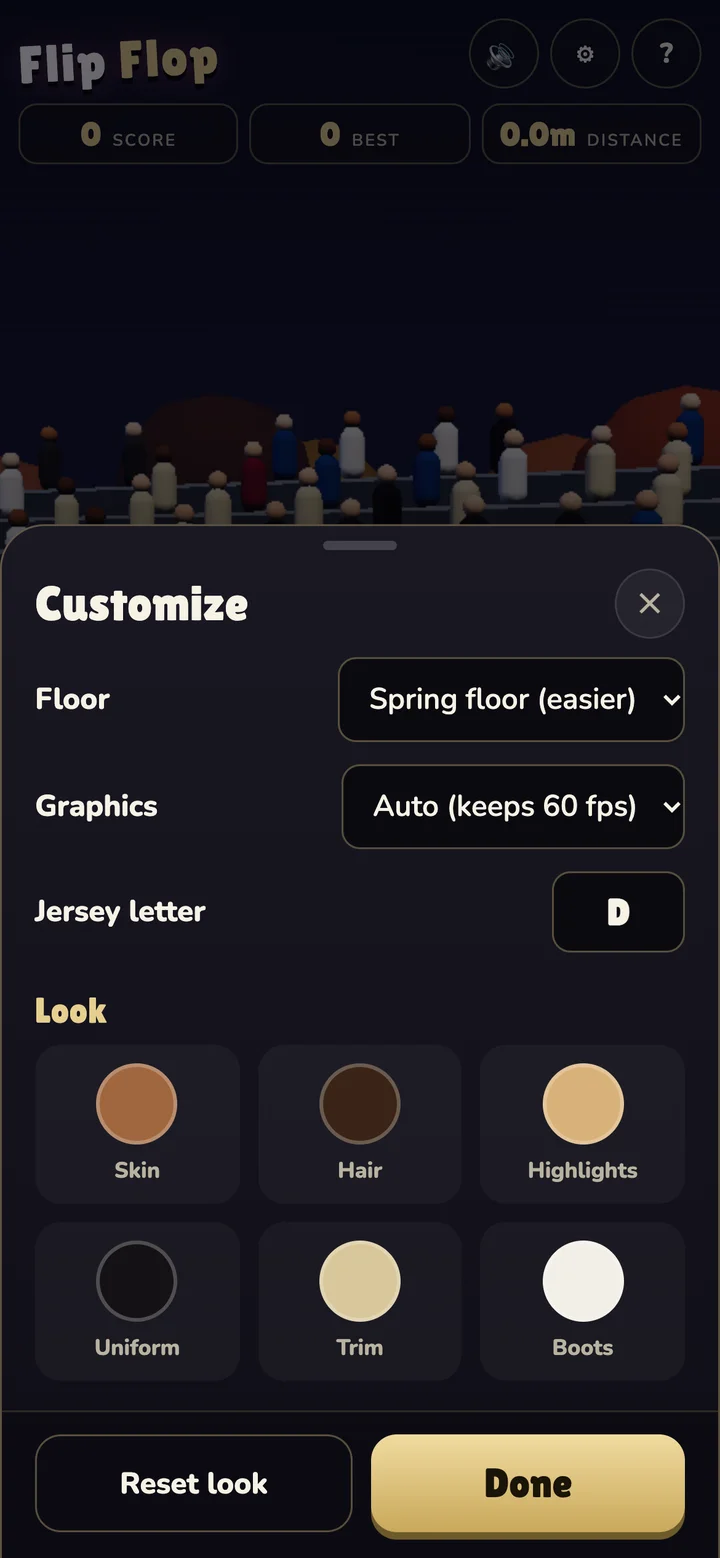
The default spring floor provides assistance while learning. The gym floor is the more demanding option, closer to the awkward, independent body control of QWOP. Both take place on a cheer mat in a stadium, where the crowd reacts when a skill lands.
Stick a landing, then try another
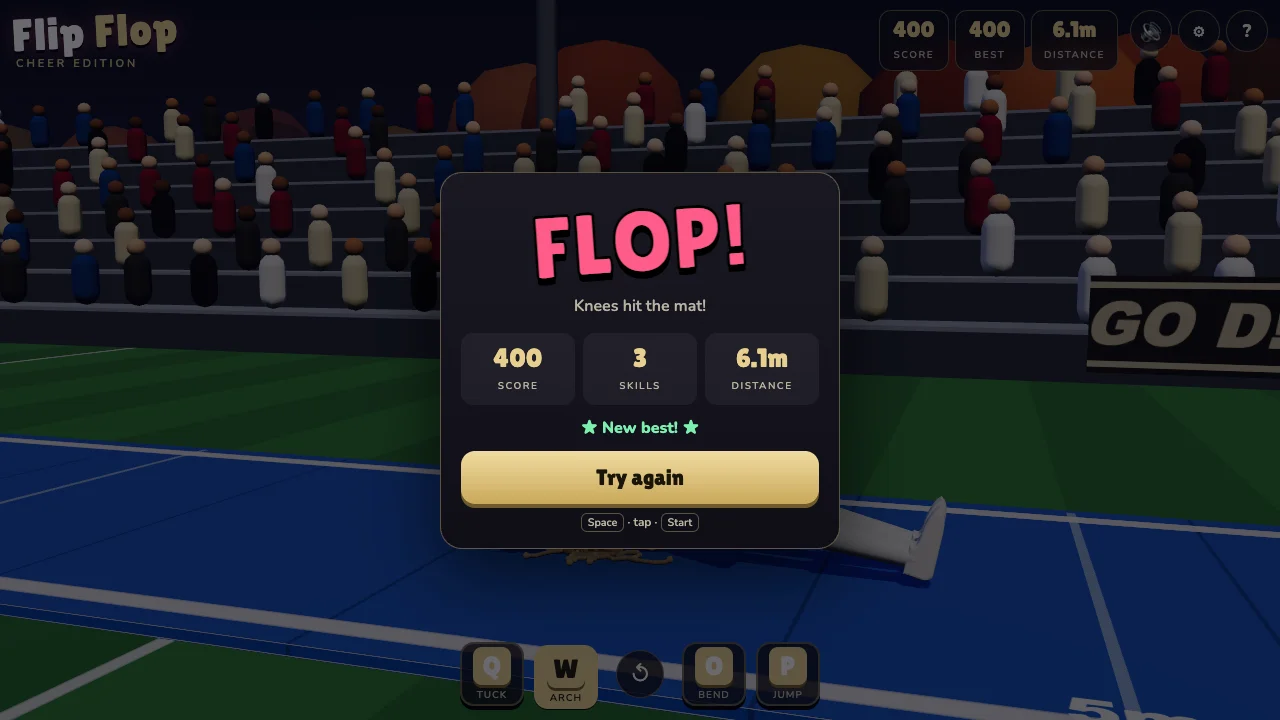
The game recognizes skills from the gymnast’s motion, including tucks, pikes, layouts, handsprings, walkovers, front variants, and multiple rotations. Chaining skills builds a combo that multiplies their points. Standing still after landing sticks the finish, adds 50 points, and banks the combo.
Feet and hands can touch the mat safely; contact with another body part ends the run. The summary shows score, completed skills, distance, and whether the attempt set a personal best.
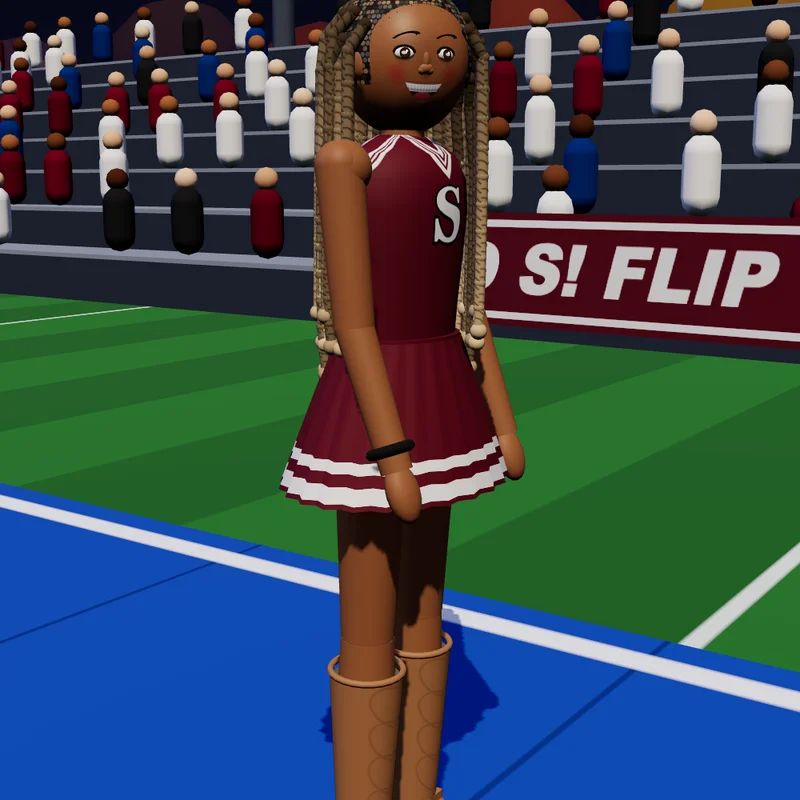
A gymnast you can make your own
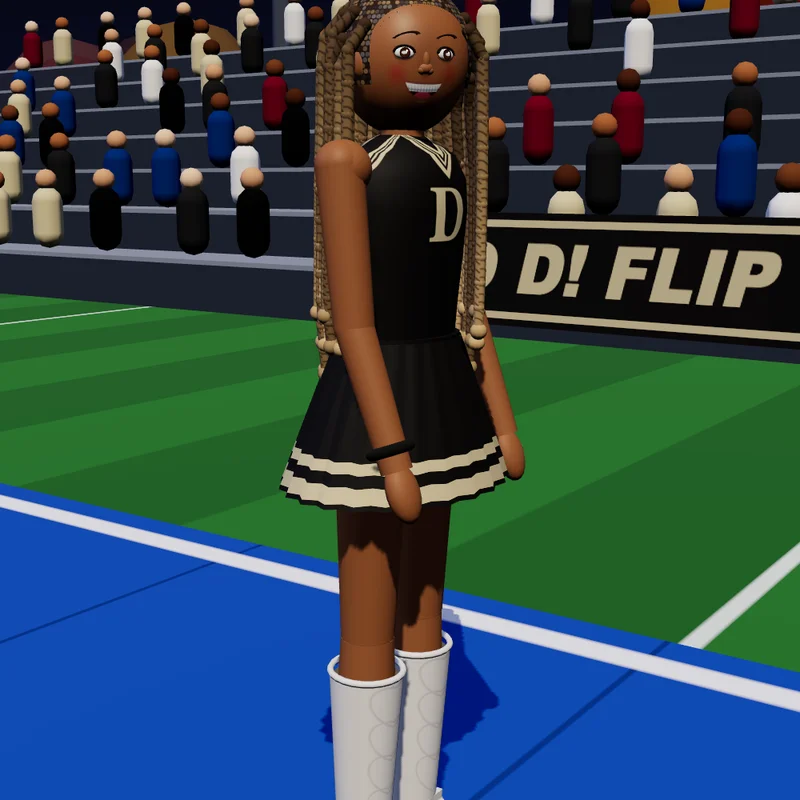
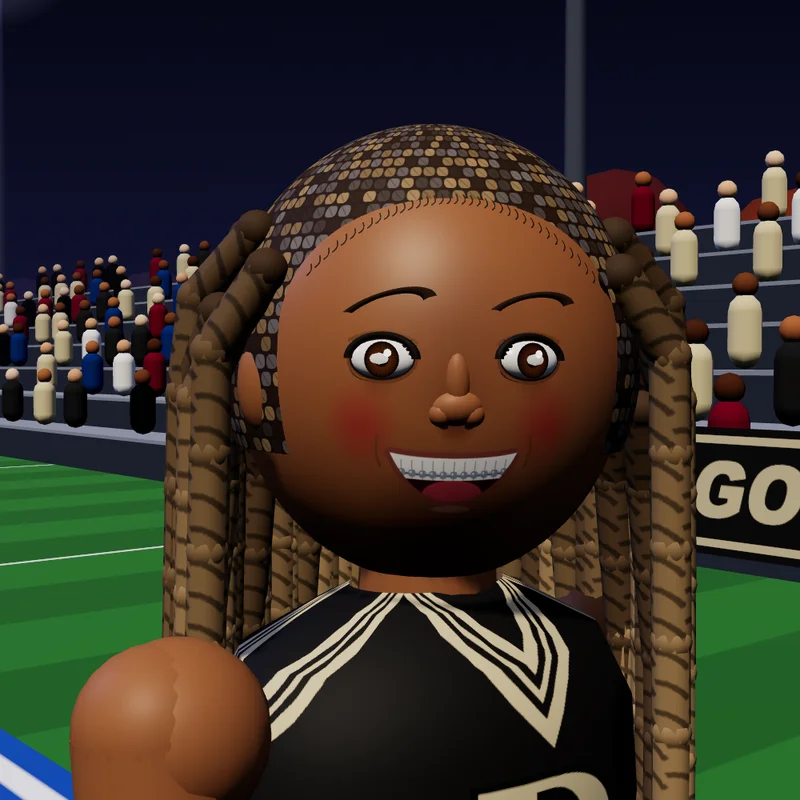
The character starts in a black-and-gold uniform with white western boots, a braces smile, and long box braids. The braids have their own simulation, so they follow the movement through a flip. Skin, hair, highlights, uniform, trim, boots, and the jersey letter are customizable.
Four controls, several ways to play
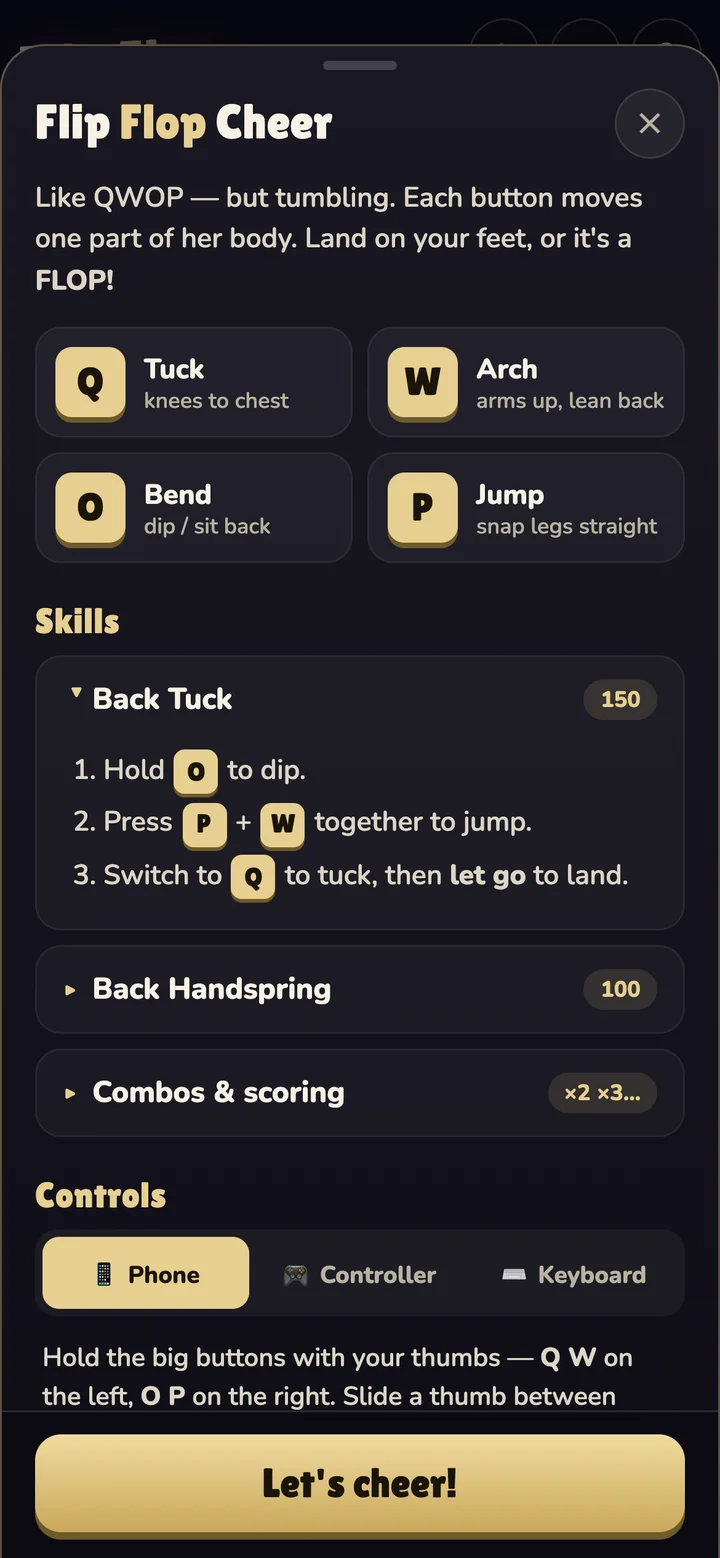
On a keyboard, Q tucks, W arches, O bends, and P jumps. A first back tuck starts with O to dip, P + W to launch, then Q to tuck before releasing to open up for the landing. R or Space restarts, and H opens help.
Phones and tablets use large touch buttons that can be held together or reached by sliding a thumb. Controllers support buttons and sticks, with rumble on a fall. The help sheet includes step-by-step recipes for learning the skills.
How the tumbling works
Planck.js supplies the two-dimensional ragdoll physics and joint motors; Three.js draws the three-dimensional gymnast and stadium. Physics advances at 120 Hz with a cap on work per rendered frame. When the browser falls behind, that cap favors a brief slowdown over an ever-growing backlog.
An adaptive quality controller adjusts resolution and shadows to suit measured frame times. Repeated scenery, including the crowd, uses instancing so many objects can be drawn together. Sound effects are synthesized with Web Audio. Vite builds the game for static hosting.
The repository also includes tools for searching control timings, validating a scripted routine, and capturing media. The demonstration below follows a scripted sequence and uses a simulated clock to produce a smooth recording.
Play Flip Flop Cheer or browse the source and original README media. GitHub records the repository’s creation on October 3, 2026.