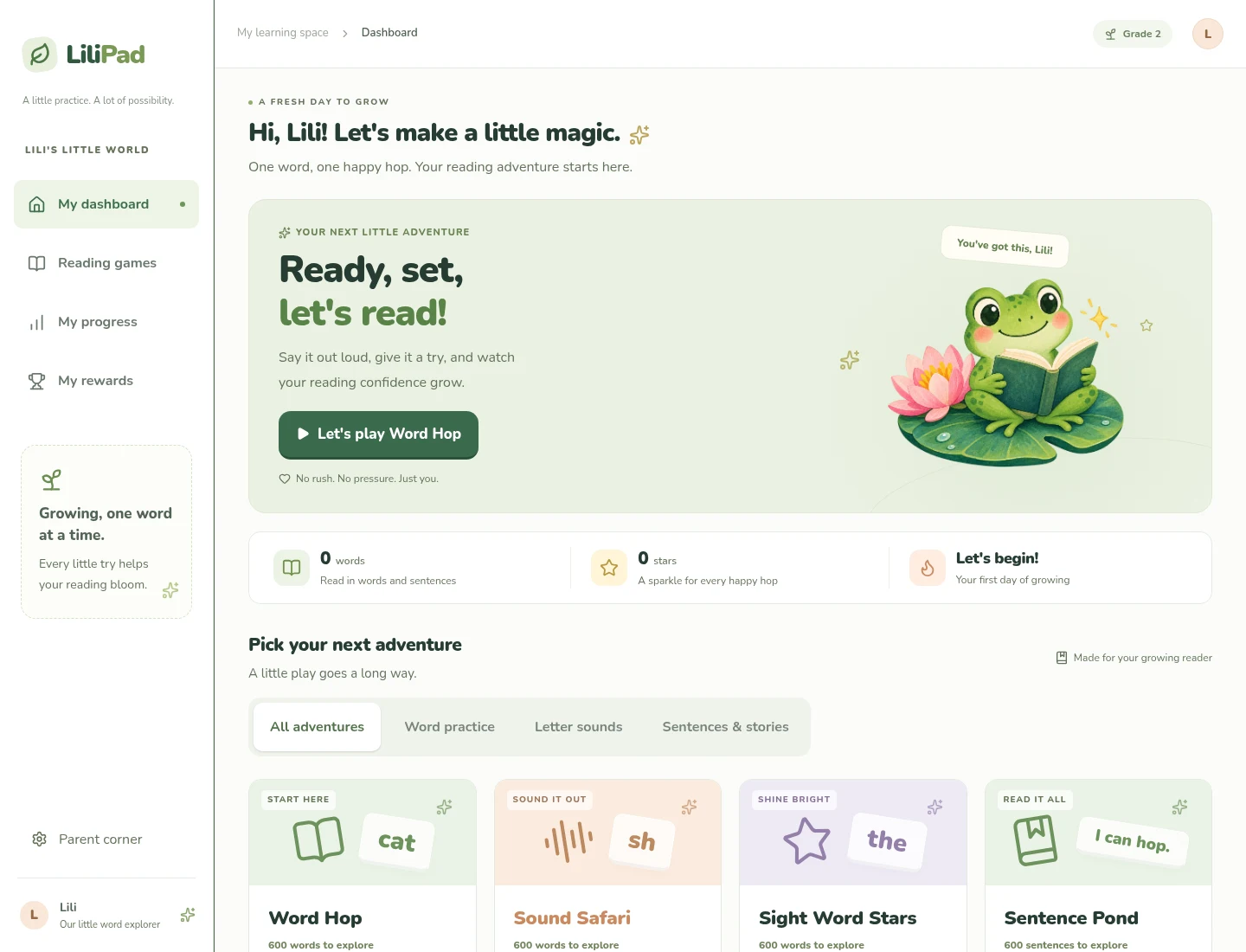
LiliPad is a reading practice web app built for Lili, short for Liliana. It turns reading aloud into short, touch-friendly adventures: say a word, work through a sentence, or build a sentence from shuffled tiles, then earn a star when the activity is complete.
The six adventures cover word recognition, sounds, sight words, sentences, sentence construction, and connected stories. Each activity remembers its own place, so the next visit can continue with the next batch. The word activities each have 600 practice items; Story Trail has 101 connected, six-sentence stories. These are curated practice materials rather than standardized grade-level assessments.
Reading with a little help
Spoken hints can explain sounds or break sentences into smaller groups. A separate control reads the complete example. Listening pauses while a hint plays, so the app does not accidentally grade its own voice.
For sentence activities, correctly spoken opening words stay highlighted across pauses. Sentence Scramble adds a construction step before reading: tap the tiles into order, check the sentence, then read it aloud.
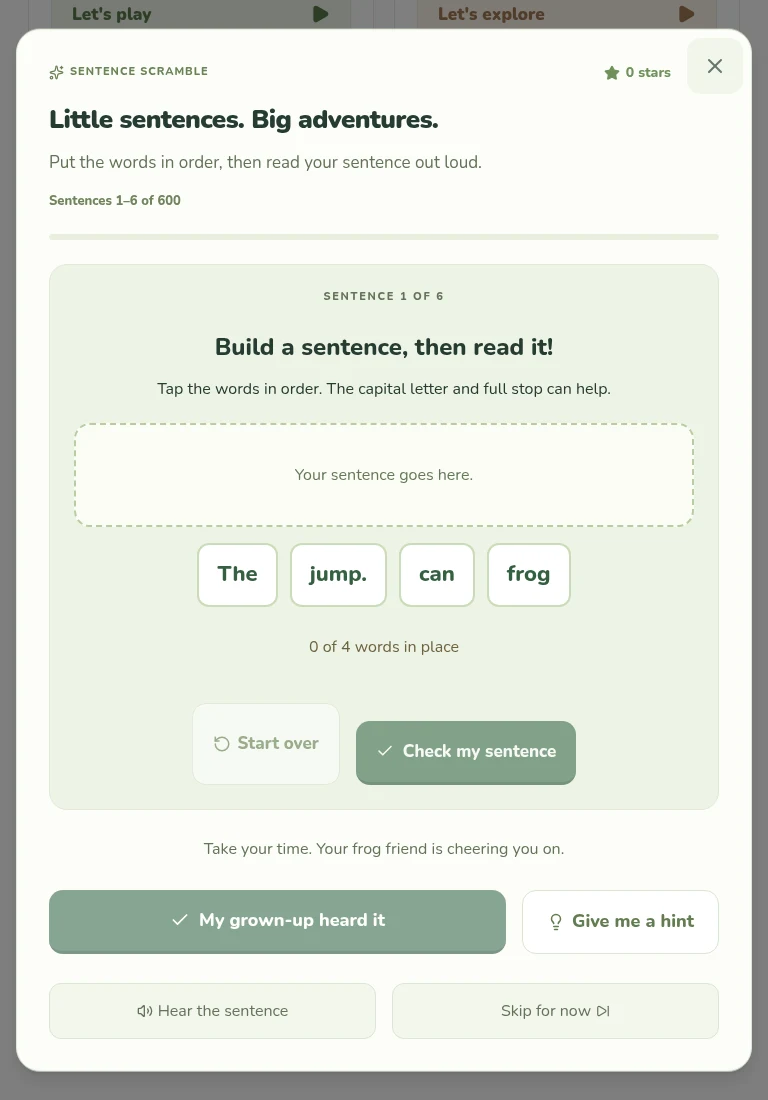
Sentence Scramble in a sample read-together session; the repository screenshots contain no saved reading history from a child.
Parent corner includes Read together, where a grown-up listens and confirms the answer. That mode works without a microphone or a speech-recognition download.
Speech on the device
The interface uses React and TypeScript with Vinext. Moonshine recognizes speech and Kokoro generates natural spoken hints through separate workers and ONNX Runtime Web. Recorded audio is processed locally and is not uploaded or saved by LiliPad. Progress and settings stay in browser storage.
Models download on first use. Full offline support is not implemented, and actual iPad performance still needs testing. The optional browser device voice may use a network service, depending on the voice provided by the browser.
The original source is GPL-3.0-only, with separate notices for dependencies, artwork, and models. The repository includes setup instructions and the current browser requirements. Its GitHub creation date is October 2, 2026 (UTC).