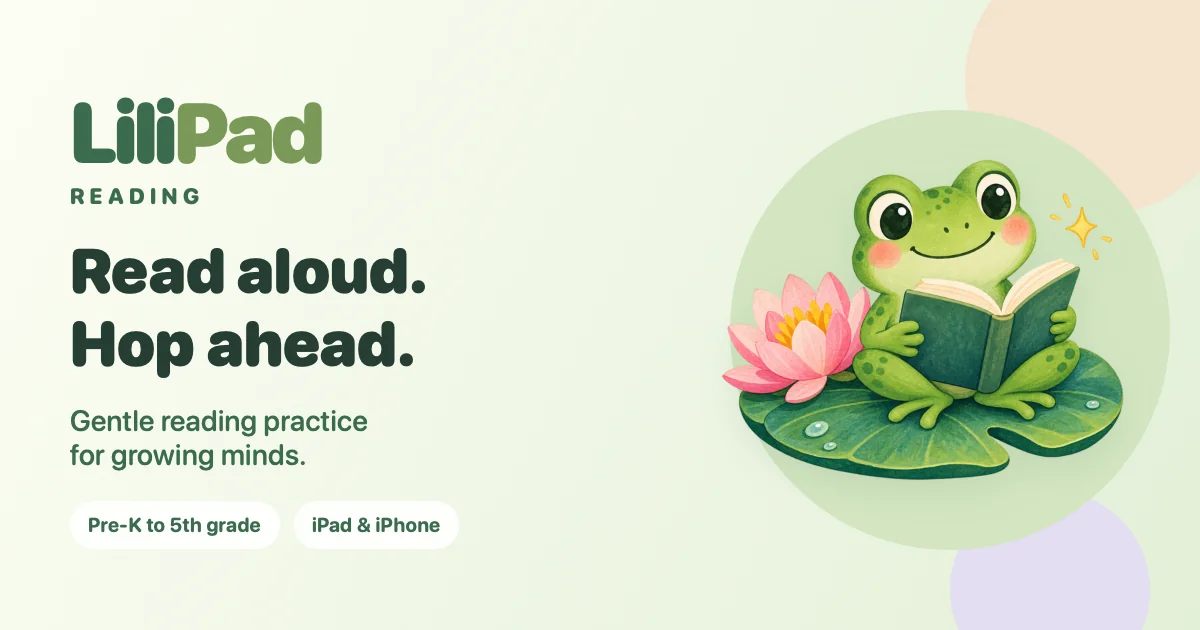
LiliPad Reading is read-aloud practice for kids on iPad and iPhone. Children read words, sentences and little stories out loud, and the app listens, cheers them on and offers spoken hints. This repository is the app’s website on GitHub Pages: a landing page with an animated tour, a privacy policy and a support page. The app’s own source isn’t in this public repository.
It shares its name, its frog and its six adventures with LiliPad, the reading web app whose repository was created the same day. The web app runs open speech models in the browser, and its README says it isn’t yet a native iPad app. LiliPad Reading is an app for iPad and iPhone that, according to its privacy policy, listens with Apple’s speech recognition on the device and speaks its hints with the voices built into iOS.
What the site describes
- Six reading adventures: Word Hop, Sound Safari, Sight Word Stars, Sentence Pond, Sentence Scramble and Story Trail.
- Pre-K to 5th grade. Each reader’s age sets the reading level. In Parent corner, a grown-up can change the age or pick a level, and each level keeps its own place.
- Up to six readers, each with their own stars, words and places, a name, and a buddy emoji or photo.
- Help when it’s needed. Spoken hints break tricky words into parts. If a word isn’t heard, the support page suggests saying “The word is …” first.
- Reading without a microphone. With Read together on, a grown-up listens and taps “My grown-up heard it”.


Privacy
The policy’s short version is that the app doesn’t collect, store on servers, sell or share any personal information, and has no accounts, advertising, analytics or tracking. Reader profiles, progress and settings stay in the app’s private storage on the device. They aren’t backed up to a server run by the developer and don’t sync between devices. A chosen photo is resized and saved without its location or other metadata.
The microphone is on only while a reading activity is open and listening is turned on, and recordings are never saved. By default, speech is recognized on the device. A grown-up can choose Apple’s speech service in Parent corner instead, which sends the audio to Apple to be transcribed.
LiliPad Math
On October 29, 2026, the site gained privacy and support pages for a second app, LiliPad Math. Players are set up the same way, with a name, an age and a buddy, and the age picks a math level from Pre-K to 5th grade. Answers are tapped on a number pad, or spoken after tapping Say it, and the privacy policy makes the same promises. The support page says it also works on an iPhone Duo, filling whichever display is in use and adjusting when the phone is folded, unfolded or rotated.

How the site is built
The site is plain HTML with one small stylesheet that follows the visitor’s light or dark setting. Each page has Open Graph and Twitter card tags and schema.org data, which describe LiliPad Reading as a free educational app for iOS and iPadOS 18 or later, and there’s a sitemap. On the landing page the promo plays muted on a loop, with a Watch with sound button, and it stays paused for visitors who prefer reduced motion.
The creation date shown here is the GitHub repository’s UTC creation date. The share image, promo video and poster come from the website, and the page screenshots were captured from the live site in its light and dark themes.