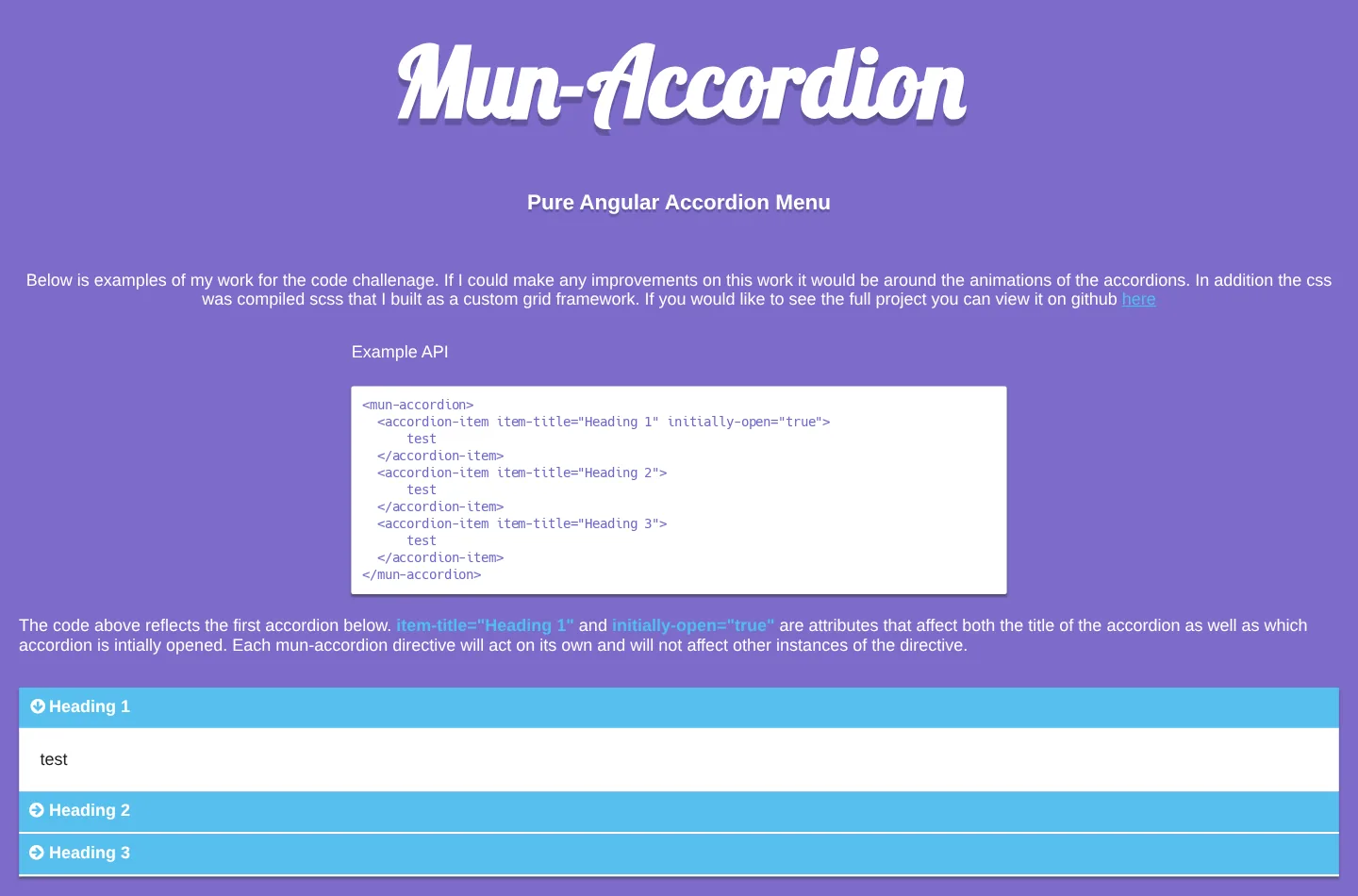
Mun-Accordion is an accordion menu made of two AngularJS 1.4 directives. Wrap <accordion-item> elements in a <mun-accordion>, give each one an item-title, and add initially-open="true" to any that should start open. Whatever you put inside an item is transcluded into its body.
The README calls it a code challenge, and so does the demo page: “Below is examples of my work for the code challenage.” The page names the accordion animations as what it would improve, and says the CSS “was compiled scss that I built as a custom grid framework.” The repository has four commits over two days in January 2016 and hasn’t changed since.
How it works
mun-accordion is an element directive with an isolated scope and a small controller that keeps a list of its items. Each accordion-item requires that controller (require: '^munAccordion'), registers its own scope when it loads, and toggles itself when its header is clicked. Opening an item asks the controller to close all the others first, unless the accordion has multiple='true'. Every mun-accordion keeps its own list, so several on one page don’t affect each other.
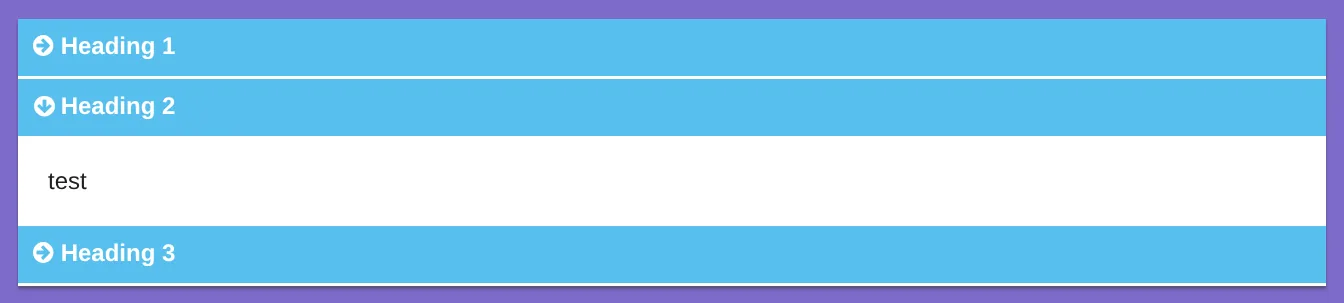
Opening and closing are CSS transitions on max-height, one second to open and 0.22 seconds to close, while a Font Awesome arrow turns to point down.

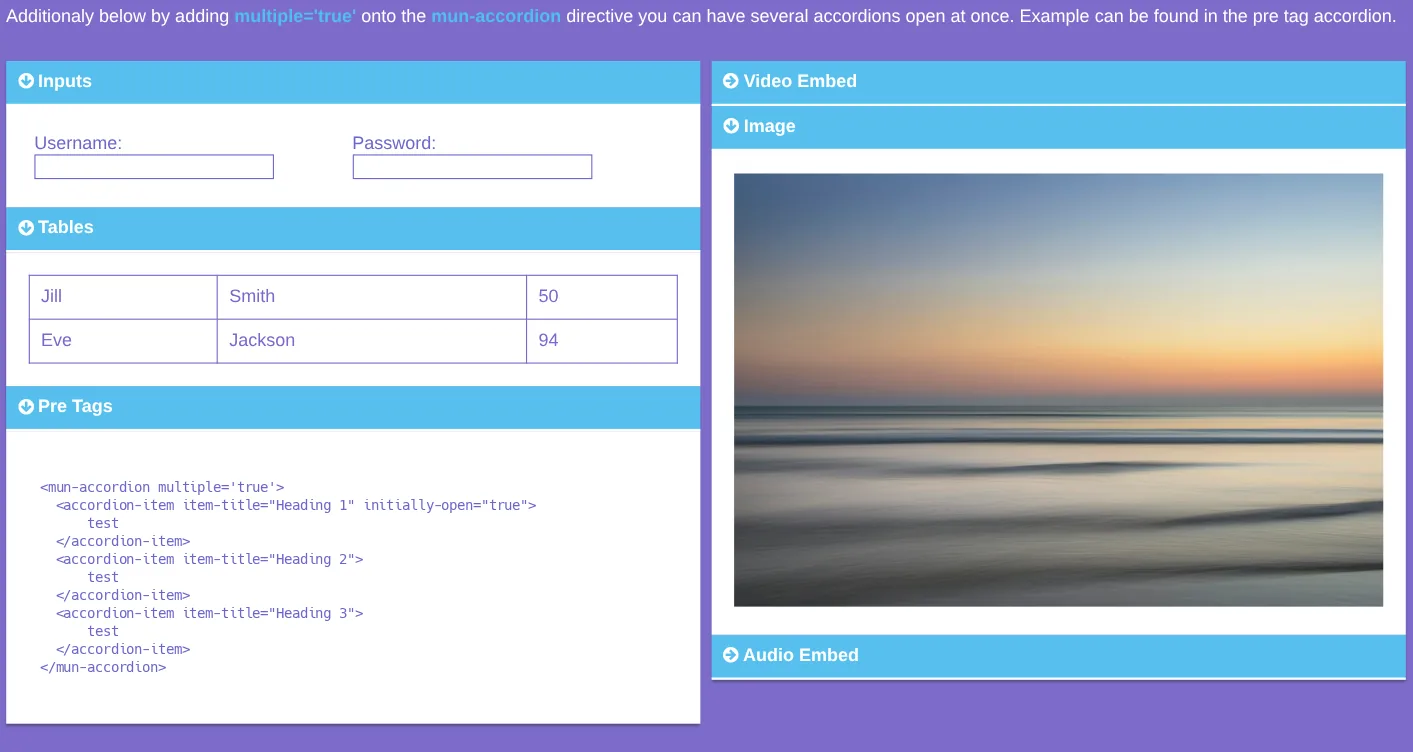
The demo puts a form, a table, preformatted code, an image, a YouTube video and a SoundCloud player inside items.
How it’s built
The directive is plain JavaScript in js/mun-accordion.js, and the demo loads AngularJS 1.4.9 and Font Awesome from CDNs. Gulp 3 concatenates the js folder into src/js/main.js, compiles the Sass with gulp-scss, and serves src with live reload. The last commit synced the repository with changes made in JS Bin, including some CSS and semicolons whose absence had caused errors there.
The Sass is a set of partials: variables, resets, mixins, flex containers, helpers, a theme and the accordion layout. Most of the same partials appear in Flexer, a flexbox grid started the next day, and several of the files are identical.
The creation date shown here is the GitHub repository’s UTC creation date. The screenshots were captured by serving the repository’s committed src folder locally, with AngularJS, the fonts and the photo loaded from the same public URLs the page uses, and the code card shows a real source file from the repository.