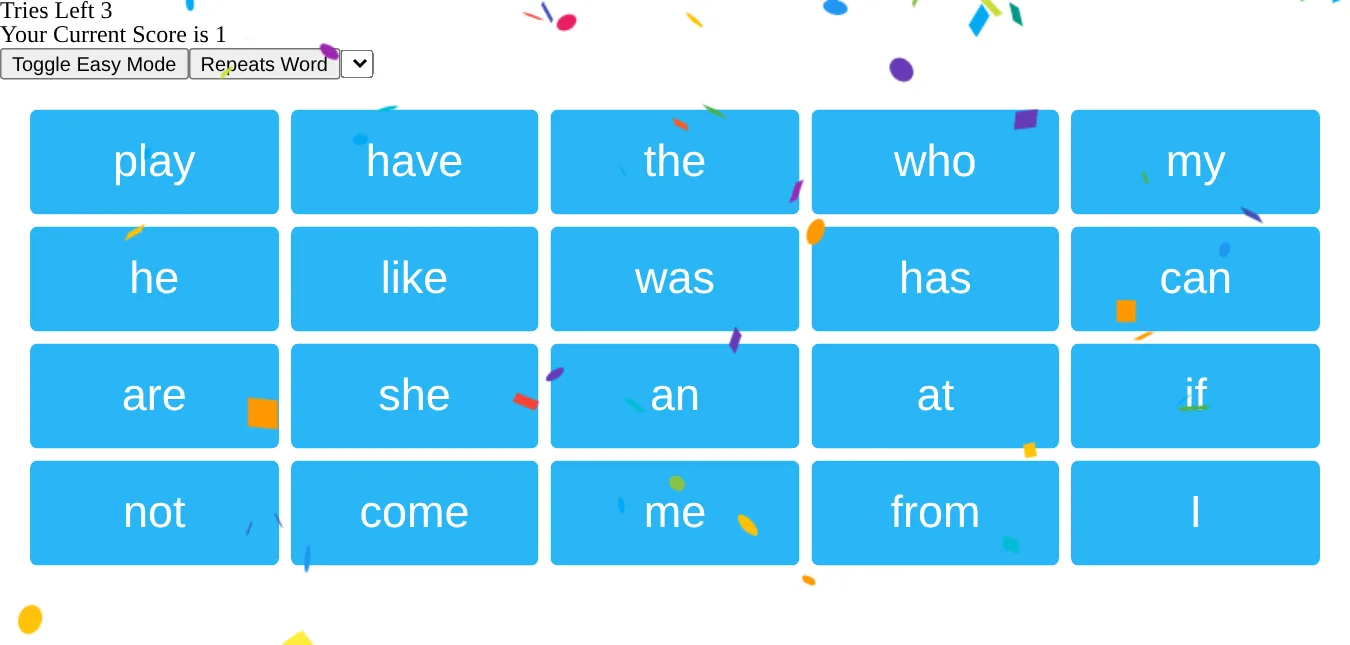
sight-words is a small practice game for sight words, the short common words that early readers learn to recognize on sight. The app picks a word and says it out loud, “The next word is … said”, and the player taps that word on a board of 20 big tiles. A right answer adds a point, says so, shuffles the board and asks for the next word. A wrong one costs a try, and after three the game is over.
It’s a single commit from December 30, 2017, built with Create React App, and it hasn’t changed since. It still builds with Node 8 and Yarn 1, and it runs in a current browser.
How it plays
The 53 words live in src/lib/words.js, short ones like “the”, “here”, “said”, “look” and “was”. They’re shuffled when the page loads and the board takes the first 20, so each visit practices a different set. After every right answer those 20 tiles are shuffled again and a new word is picked from them, sometimes the same one.
The speech comes from the browser’s Web Speech API. The app builds a SpeechSynthesisUtterance for each line, fills a menu with the browser’s voices when they load, and has a Repeats Word button for hearing the word again. A right answer drops confetti over the board for six seconds. A wrong answer gets “Please Try Again You have 2 tries left”, and the third ends on a “You Lost” screen with a Play Again button.
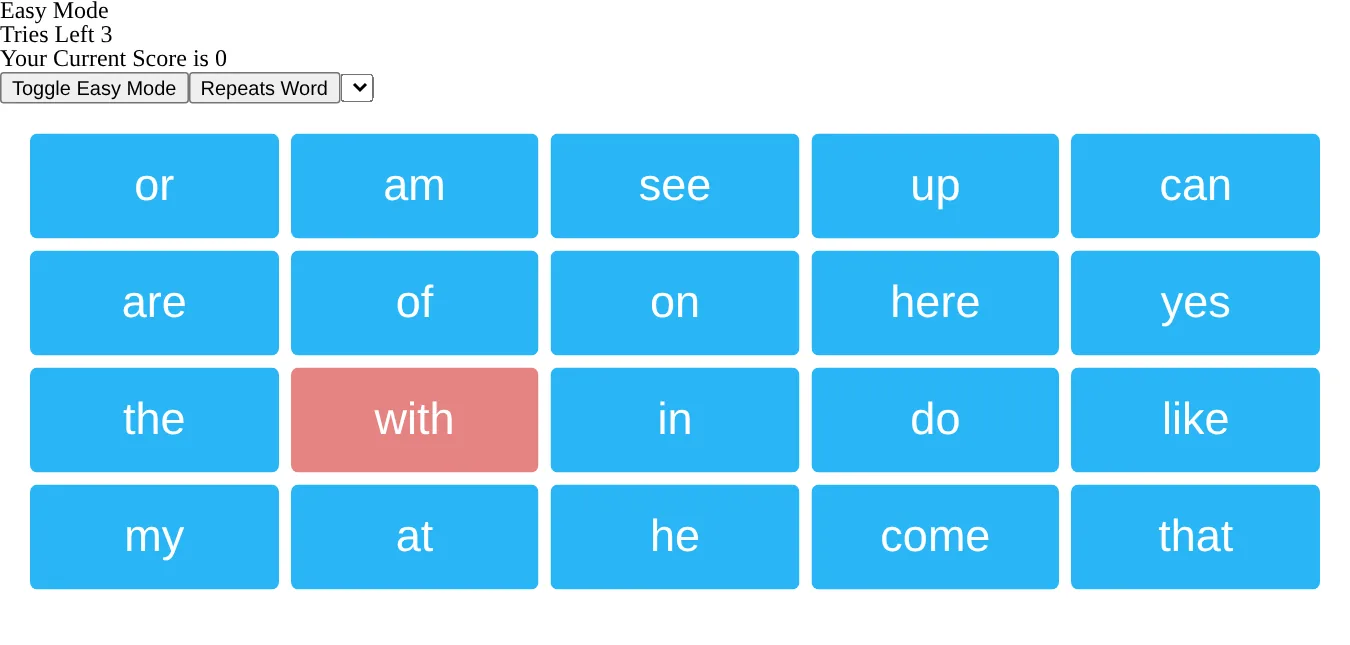
Easy Mode is a hint. With it on, the asked-for word turns red under the mouse while the other tiles turn light blue, and right answers still score but don’t drop confetti.

How it’s built
It’s React 16.2 on Create React App (react-scripts 1.0.17). The tiles are styled-components laid out with styled-css-grid, polished lightens their hover colors, react-confetti draws the celebration, and lodash shuffles the words. The rest of the page is unstyled.
The captures on this page come from the production build, served locally and driven in headless Chromium. That browser has no speech voices installed, so the voice menu is empty. The app still calls the speech API for every line, and the capture script recorded those calls to know which word it had asked for.
LiliPad, from 2026, is a later reading-practice app on this site.
The creation date shown here is the GitHub repository’s UTC creation date. The screenshots were captured by running the project locally from its source, and the code card shows a real source file.