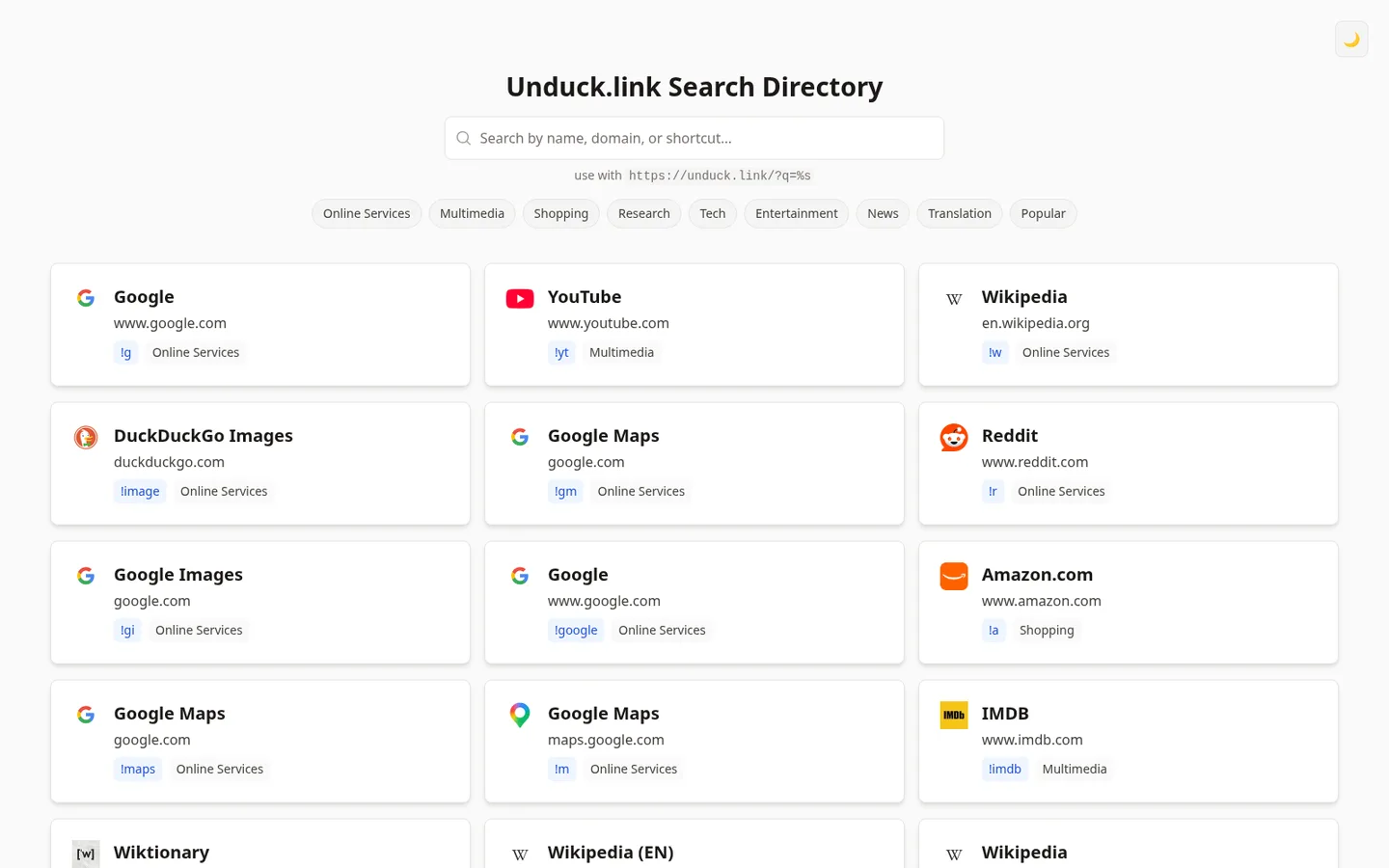
Unduck is a page you set as your browser’s search engine to use DuckDuckGo’s !bang shortcuts, like !w for Wikipedia, without waiting on DuckDuckGo’s own redirects. This directory is a companion for finding the bang you want. It lists every shortcut with its site, domain and category, and shows the URL to add to your browser, https://unduck.link/?q=%s.
It was written on February 15, 2025, with one more commit on March 3 that sorted the list by rank. It loaded its data from an endpoint on Deno Deploy that no longer answers, so a copy built today shows no bangs until you give it the data another way.
Features
- Search across site names, domains and shortcuts, with or without the leading
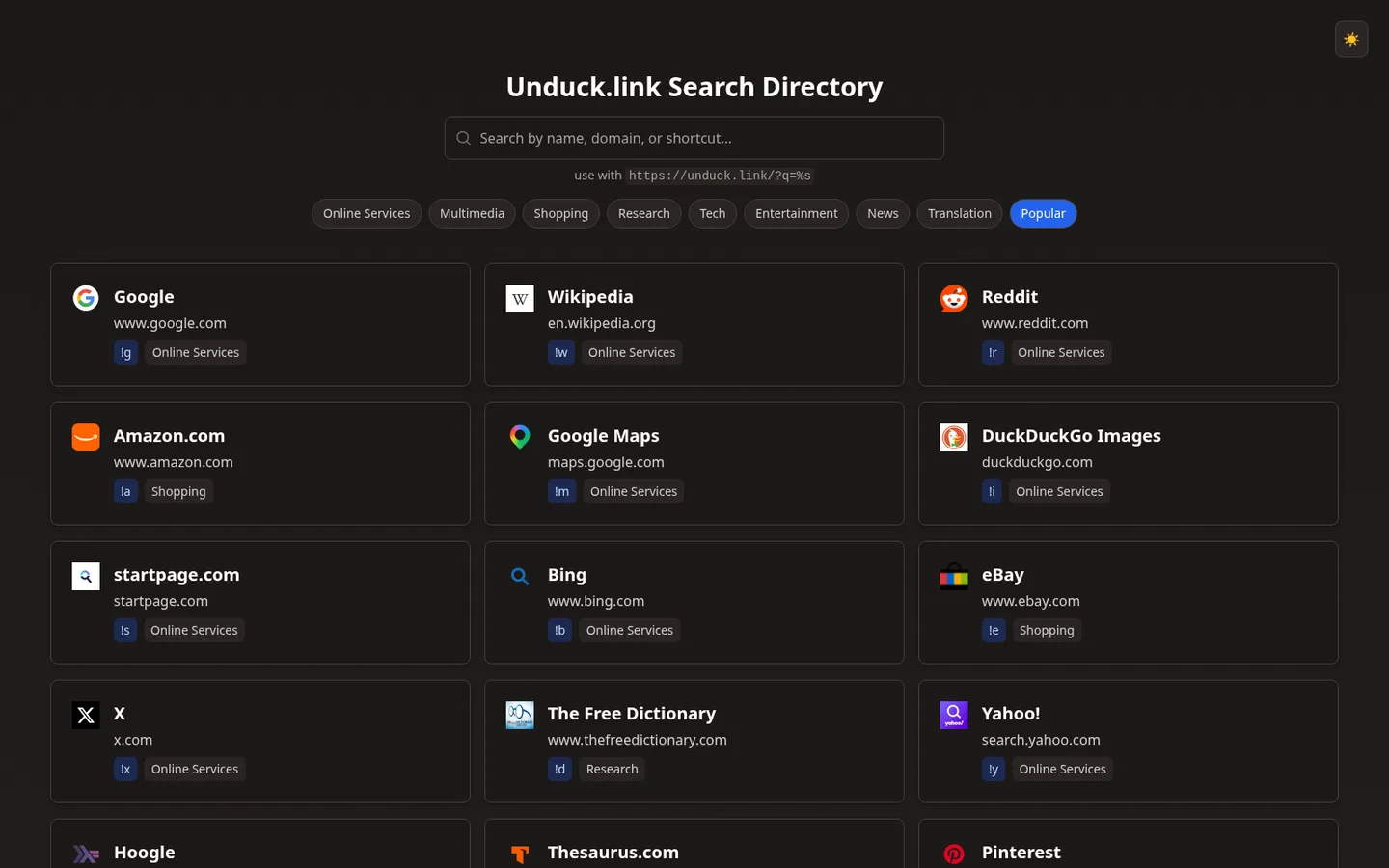
!. - Category chips built from the data, plus Popular, which shows only the one-letter bangs.
- Ranked order. Cards are sorted by the rank field in DuckDuckGo’s data, which puts
!g,!ytand!wfirst. - Favicons from Google’s favicon service, with a globe icon when one doesn’t load.
- Shareable filters. The search and category are kept in the URL as
?q=and?category=. - Light and dark themes that follow the system until you use the toggle, which is then remembered in local storage.

How it works
It’s a single React 18 component in TypeScript, built with Vite 5 and styled with Tailwind CSS 3. The grid is virtualized in both directions with TanStack Virtual’s useWindowVirtualizer: one virtualizer for rows and one for columns, with columns up to 500 pixels wide and 160-pixel rows, so only the cards near the viewport are in the page. Filtering runs over the whole list on each keystroke.

Running it today
It still builds and runs with Node 20 (npm run dev), but the data URL in src/App.tsx is gone. DuckDuckGo publishes the same list at https://duckduckgo.com/bang.js in the shape src/types.ts describes, and the app expects it wrapped as { "data": [...] }.
The creation date shown here is the GitHub repository’s UTC creation date. The screenshots were captured by running the project locally from its source, with the dead endpoint’s requests answered locally by DuckDuckGo’s current bang list, and the code card shows a real file from the repository.