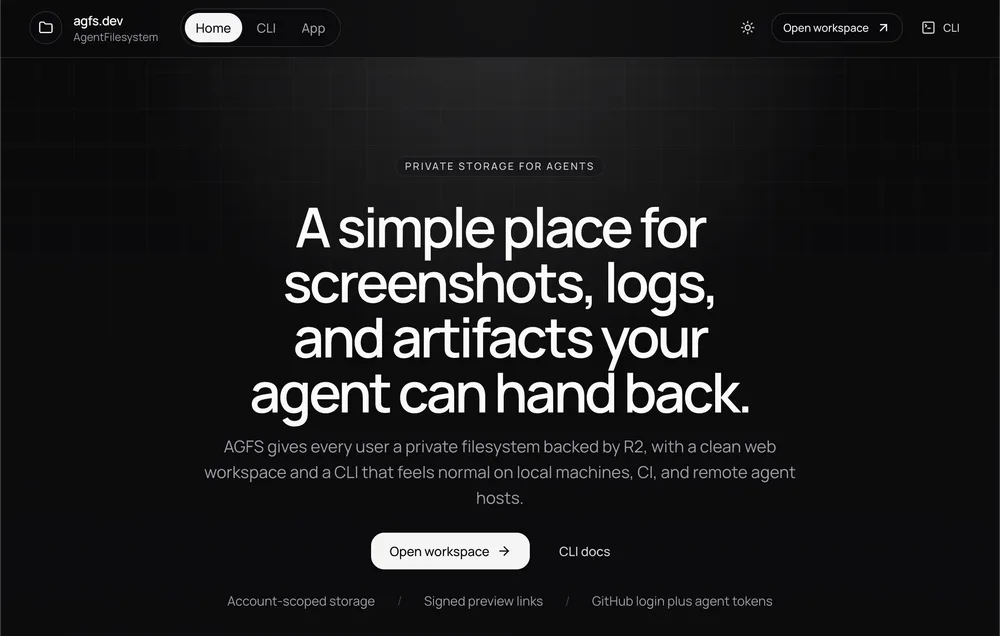
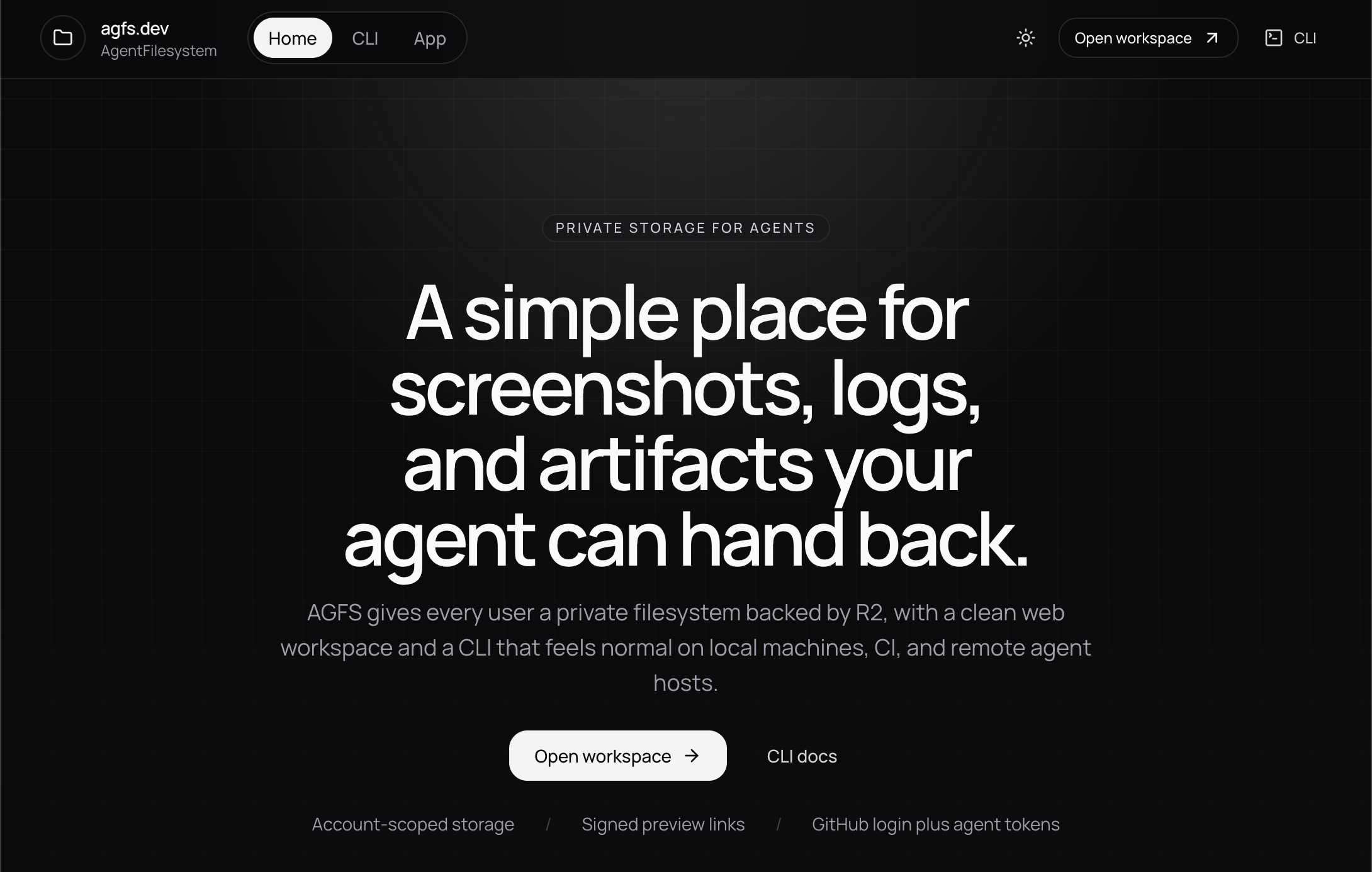
agfs.dev is AgentFilesystem: a simple place for screenshots, logs, and other artifacts an agent needs to hand back.
Why I built it
I have been spending more time running agent workflows on remote machines and hosted environments instead of keeping everything local on my MacBook.
That has real advantages:
- the work keeps going after I close my laptop
- remote environments usually have fewer local resource constraints
- it is easier to isolate one-off workflows, tools, and experiments
The frustrating part starts when the agent produces a file I actually want to inspect.
At that point the workflow usually becomes some awkward combination of:
- SSH into the box and manually pull the file down
- ask the agent to stand up a temporary HTTP server
- figure out port forwarding, bucket access, or some other one-off transfer path
That friction is what pushed me to build AGFS.
What AGFS gives me
- A web app to browse files in one place
- A CLI that works well for local machines, CI, and remote agent hosts
- Signed preview links an agent can paste directly into chat
- A cleaner handoff for screenshots, logs, outputs, and generated artifacts
The goal is not to invent a totally new category. The goal is to make a very common remote workflow feel obvious instead of improvised.
Why not Git
Most of the files I want to inspect are not source code.
They are usually artifacts:
- screenshots
- logs
- generated media
- exported reports
- temporary debugging output
Those files are useful, but they are not things I want tracked in Git just because I need to look at them once or hand them from one workflow to another.
AGFS gives me a dedicated place for that layer.
How it is built
The app is built as a small Cloudflare-native system:
- TanStack Start on Cloudflare Workers for the web app
- R2 for file storage
- D1 for metadata
- Better Auth with GitHub auth for sign-in
- A TypeScript CLI for upload, download, and share flows
That combination keeps the product fairly lightweight while still giving me a real web workspace plus a practical agent-facing CLI.
Install the CLI
If you want to try the remote workflow directly, the quickest path is:
npm install -g @agfs/cli
agfs login
agfs whoami
From there you can upload a file and get back a signed share URL:
agfs upload ./run/screenshot.png /runs/latest/screenshot.png --share 1hFor unattended agent or CI environments, AGFS also supports token-based auth through environment variables:
export AGFS_BASE_URL=https://agfs.dev
export AGFS_TOKEN=agfs_pat_...
Related updates
- Launch article: Building AGFS.dev to make remote agent files easy to share