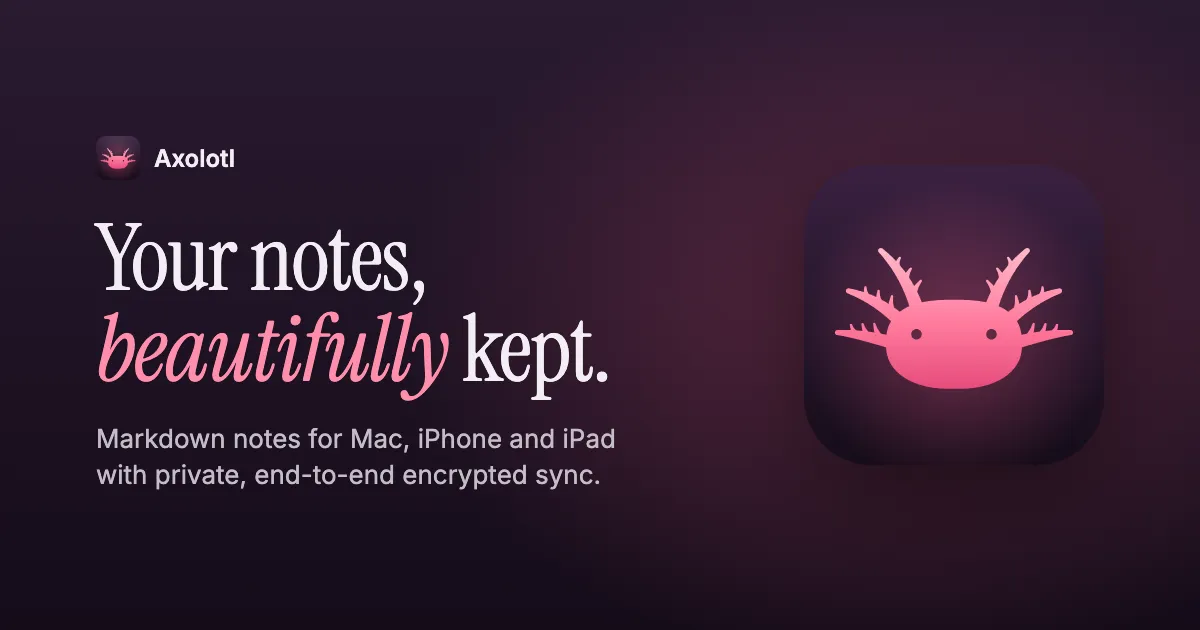
A private, Markdown-first notes app for Mac, iPhone and iPad. Notes live on your devices and sync end to end encrypted, directly over the local network or through a small relay you host yourself.
SwiftSwiftUISQLiteCryptoKitNetwork.framework
7 projects using this technology, based on the original build notes.
A private, Markdown-first notes app for Mac, iPhone and iPad. Notes live on your devices and sync end to end encrypted, directly over the local network or through a small relay you host yourself.
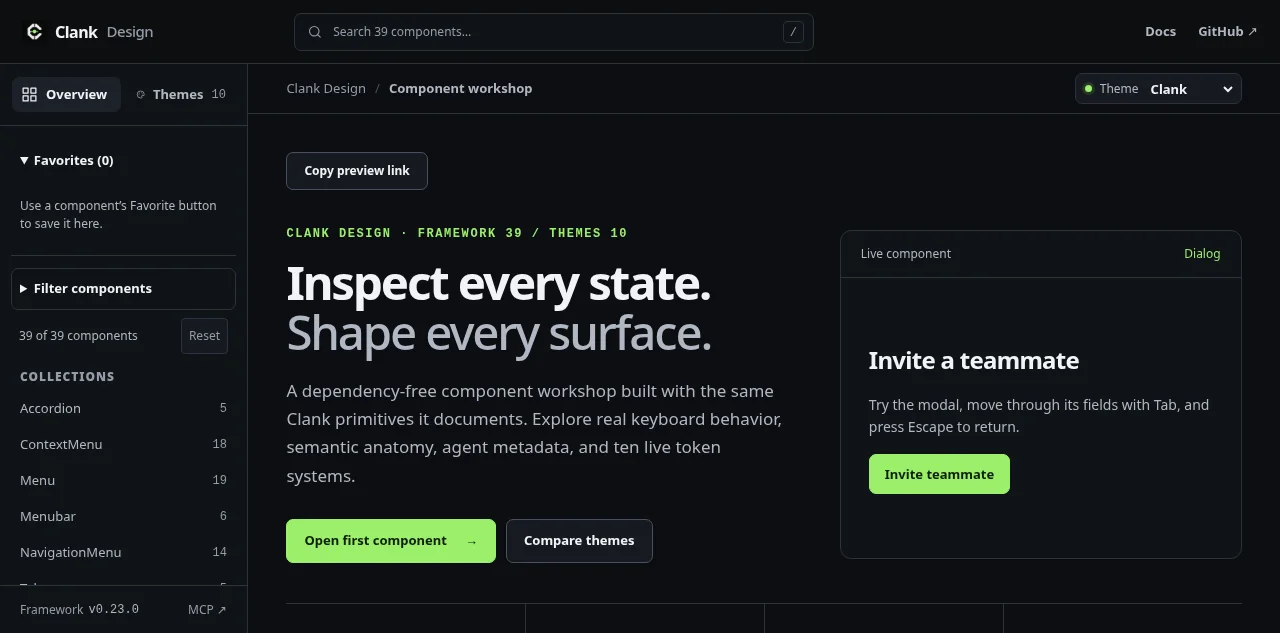
A full-stack TypeScript framework that exposes one application's typed actions through a reactive web interface and an authenticated MCP server.
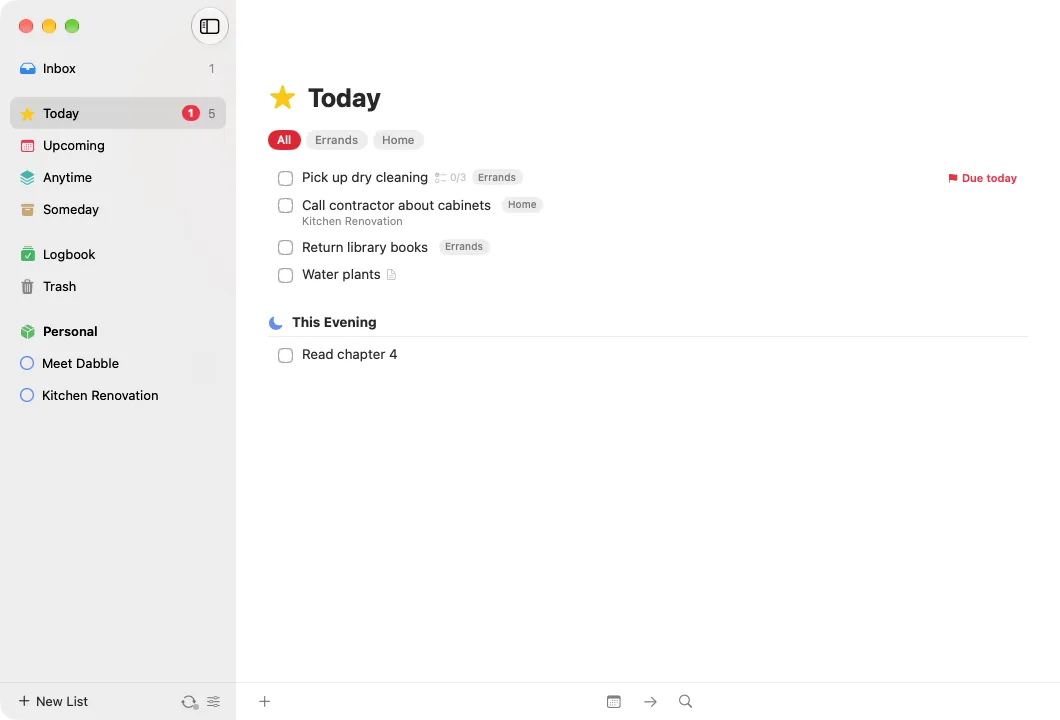
An open-source to-do app for Mac, iPhone and iPad, modeled on Things 3. Your devices sync directly with each other over an encrypted channel, with no server and no account.
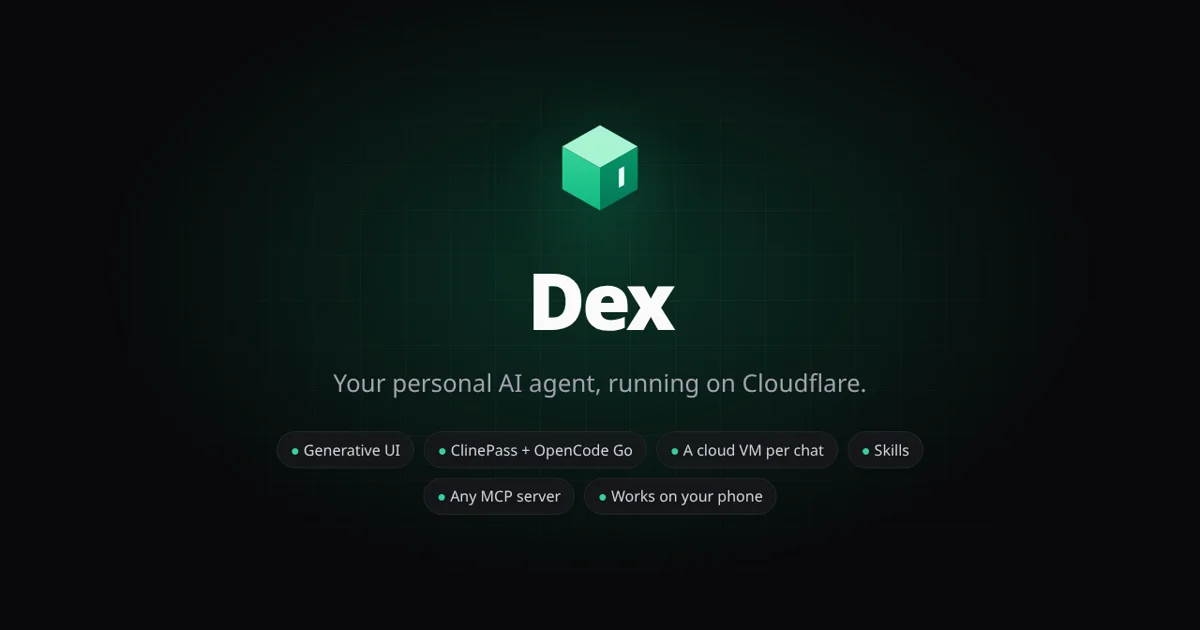
A personal AI agent on Cloudflare. Each user gets an agent in a Durable Object that answers with live UI, works on its own cloud VM you can watch, and brings along skills, MCP servers, GitHub and native apps for iPhone, iPad and Android.
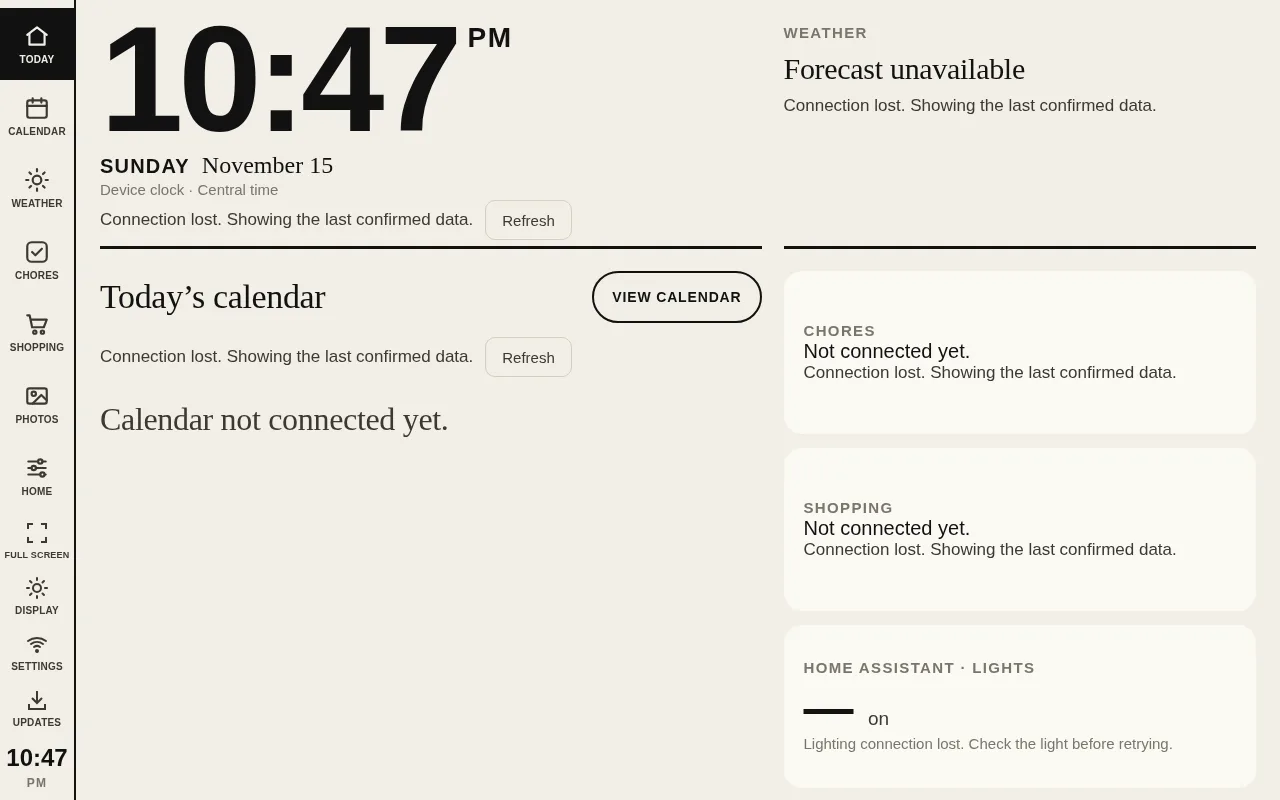
A fullscreen home dashboard for an Android photo frame, with live calendars, chores, shopping, weather and photos from Ring MCP, Home Assistant lighting controls, and updates the frame downloads itself from GitHub releases.
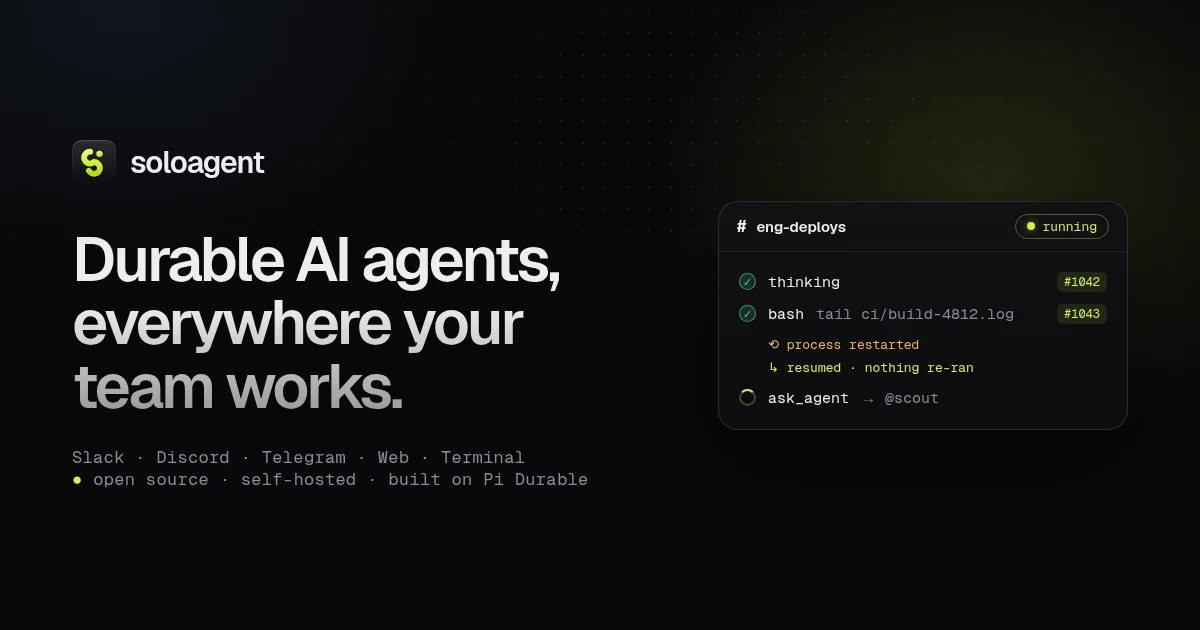
An open-source, self-hosted control plane for durable AI agents built on Pi. Agents run on the AI subscriptions you already pay for, answer in Slack, Discord, Telegram, webhooks, a web dashboard and a terminal UI, and keep everything in SQLite.
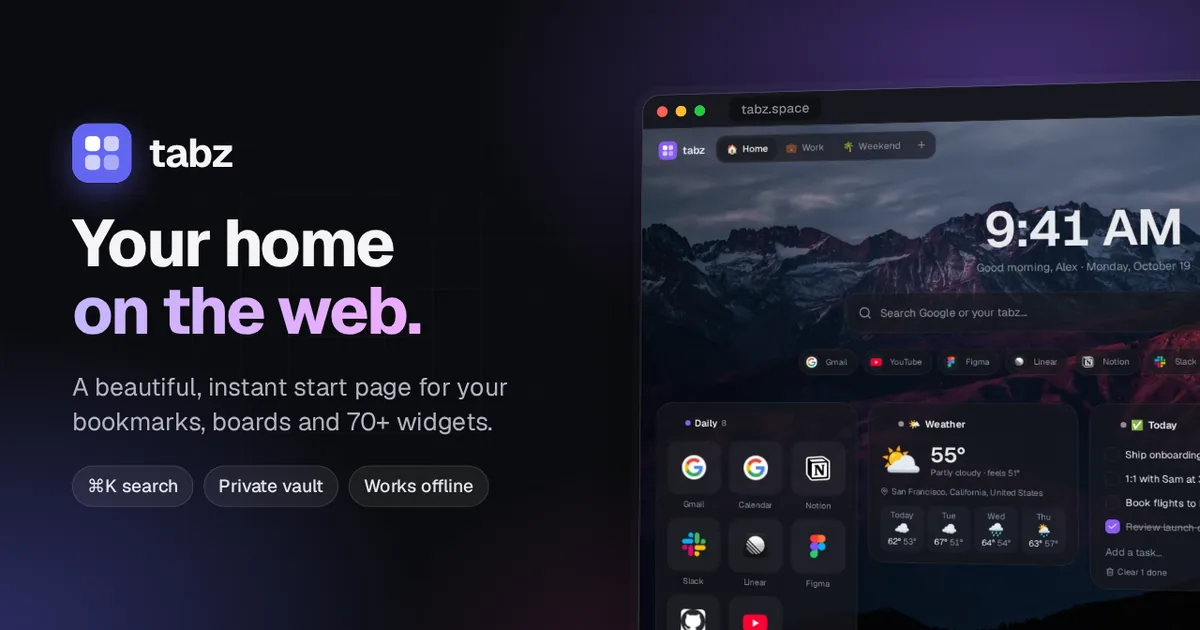
A fast, customizable start page and bookmark manager: boards of links and 71 widgets, ⌘K search across everything you've saved, an end-to-end encrypted vault, and new tabs that open in milliseconds, even offline.